github.com/MuYunyun/create-react-doc @v1.10.3
Chat with this repoWhat it actually does AI analysis from the code graph — generated when you open this
README
                                                 _.-"\
                                            _.-"      \
                                          ,-"          \
                                          \    create    \
                                          \ \    react    \
                                          \ \      doc     \
                                            \ \         _.-;
                                            \ \    _.-"   :
                                              \ \,-"    _.-"
                                              \(   _.-"
                                                `--"






English | 简体中文
Create React Doc
Create React Doc is a markdown document site generation tool using React just like create-react-app, developers can use Create React Doc to develop, deploy documents or blog sites without worrying about additional environment configuration information.
Features
- The idea of building a site: Just write markdown files as a blog site like me.
- Out of box: One-click generation of documents and blog sites by specifying directories or documents, no need to care about site environment configuration information.
- Performance: greatly improve site loading speed through pre-rendering and lazy loading.
- Based on mdx: Support writing React components, mathematical formulas, etc. in markdown.
- Search engine optimization: Support SEO, making documents easier to search.
- Personalization: Support custom theme.
- Workflow: Integrate Github actions, support automated packaging and publishing sites.
Subject
Create React Doc provides the official default theme crd-seed. The theme supports the following features:
- Adapt to mobile and PC multi-terminal display.
- Support dark mode.
- The document supports embedded codepen, codesandbox.
- GitHub linkage.
- Support using tags to customize aggregate article content.
my blog is based crd-seed theme to build。
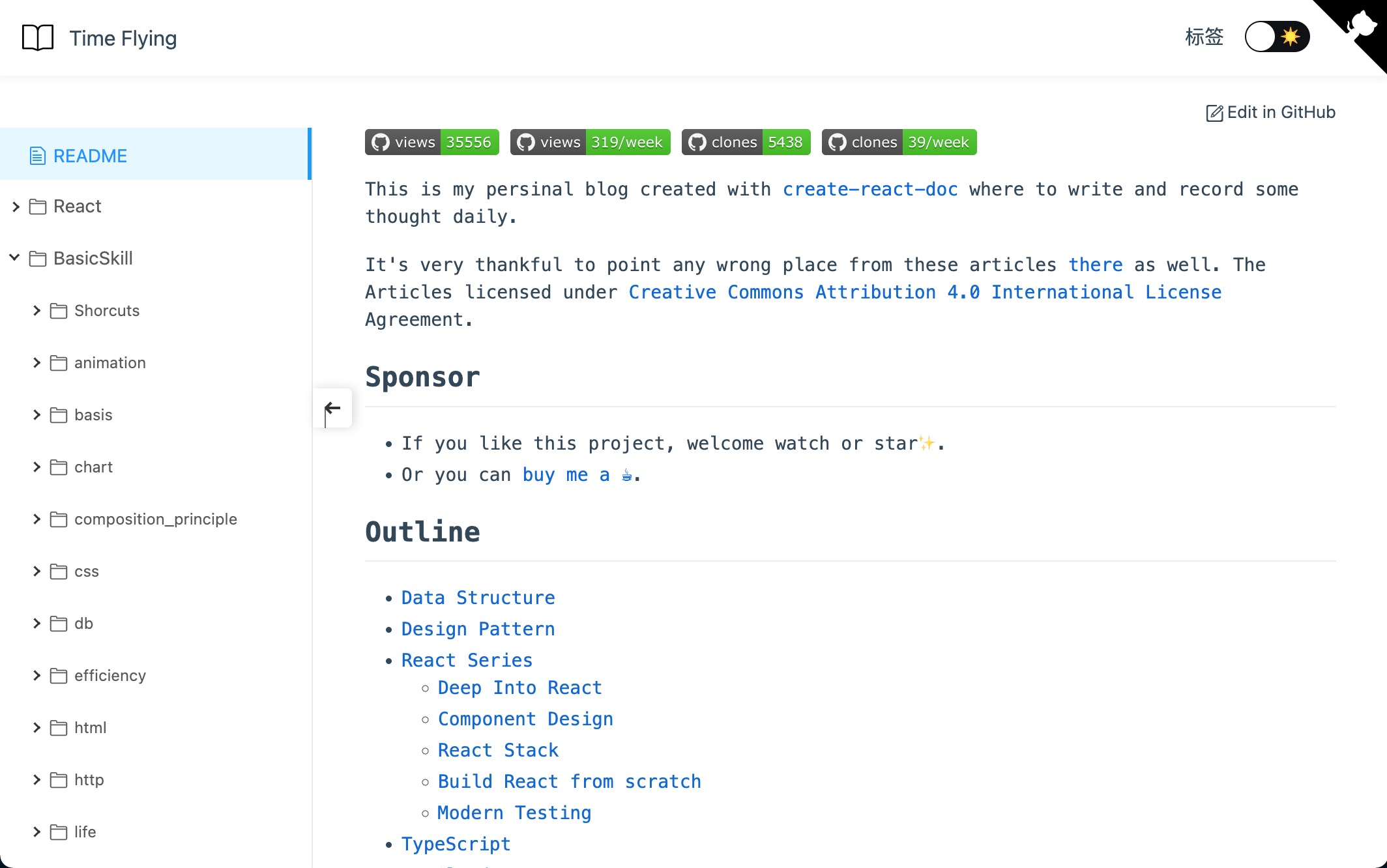
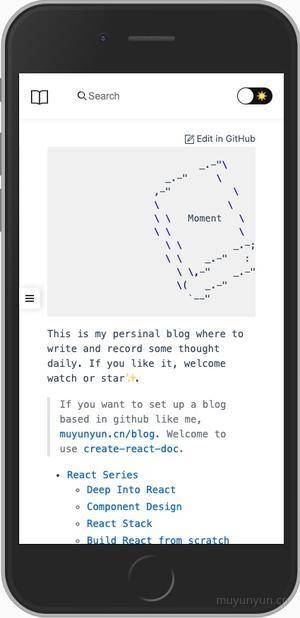
If you want to customize or share personal themes, you can refer to the Custom Theme chapter.
Get started quickly
Create React Doc is very easy to use. Developers don't need to install or configure additional tools such as webpack or Babel, they are built-in and hidden in the scaffolding, so developers can concentrate on document writing.
If you want to create a site file doc under the current file, here are three ways to quickly build a site:
npx
npx create-react-doc doc
npm
npm init create-react-doc doc
yarn
yarn create react-doc doc

If you want to pull the content of the template to the current folder, you can replace the
docof the above command with., such as executingnpx create-react-doc ..
Then execute cd doc && yarn && yarn start, you can preview the site at localhost: 3000, if the site document changes, the site will automatically reload.
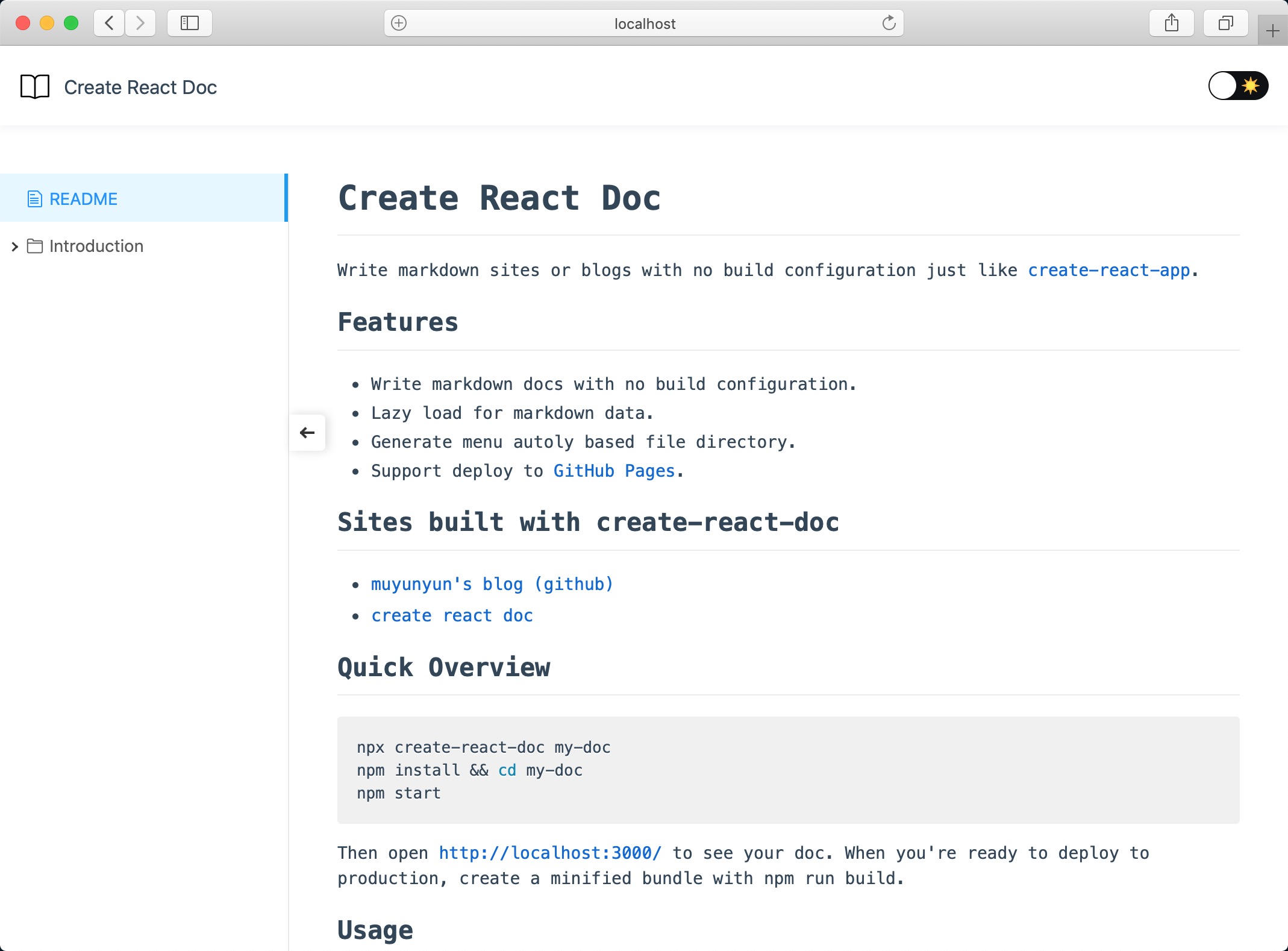
Site release
In the Quick Start section, it introduces how to quickly build a site. This section will introduce how to package and publish the built site to gh-pages.
Automatically package and publish to gh-pages (recommended)
The initialized template project integrates the ci configuration of Github action, the user only needs to execute git push on the main branch to complete the automatic deployment of the site.
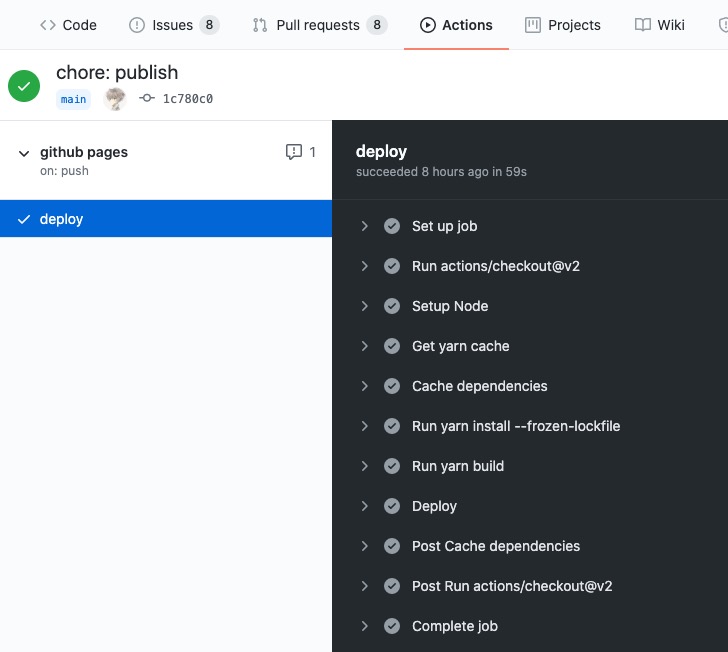
If it is the first deployment, after performing the following operations, you need to select Github Pages as gh-pages in the setting tab of the project. (See First Deployment with GITHUB_TOKEN for details)
git init
git add.
git commit -m "first commit"
git branch -M main
git remote add origin https://github.com/user or organization name/project name.git
git push -u origin main
For more content, please visit Site Release, Advanced Usage, other tools and other chapters.
Practice Sharing
Core symbols most depended-on inside this repo
resolveAppShape
Languages
Modules by API surface
For agents
$ claude mcp add create-react-doc \
  -- python -m otcore.mcp_server <graph>