github.com/MirrorX-Desktop/MirrorX @v0.1.5
Chat with this repoWhat it actually does AI analysis from the code graph — generated when you open this
README
<a href="https://github.com/MirrorX-Desktop/MirrorX"><img width="128" src="https://raw.githubusercontent.com/MirrorX-Desktop/MirrorX/master/mirrorx/src-tauri/assets/icons/icon.png"></a>
MirrorX



<a href="https://github.com/MirrorX-Desktop/MirrorX/blob/master/README.md">English</a>
<a href="https://github.com/MirrorX-Desktop/MirrorX/blob/master/README_CN.md">简体中文</a>
OPEN
MirrorX is an open-source remote desktop solution, designed for enterprises, teams and individuals.
SECURE
Everything is under your control, allows you to deploy on-prem and/or in the cloud, and also supports end-to-end encryption.
HIGH-PERFORMANCE
GPU acceleration, 4K resolution, 60 FPS... make you feel like a "local desktop".
Features like video and audio passthrough, file transfer, cross-platform, mobile devices support and so on, are really essential, and more features are coming to blow your mind.
Note: MirrorX is in the early stage of development, please be aware of that backward compatibility is not guaranteed.
Component
Free Public Servers
The servers are contributed by the community, please do not abuse it.
| Location | Specification |
|---|---|
| Seoul | 1vCPU & 1G RAM |
Available Platform
- [x] macOS
- [x] Windows
- [ ] Linux (WIP)
- [ ] Android (WIP)
- [ ] iOS (WIP)
- [ ] Web (WIP)
How to build
Prerequisite
- Install
nodejs && yarn(v3). - Install
tauri-cli.
cargo install tauri-cli
Steps
- Download pre built media libraries artifacts from MirrorX-Desktop/media_libraries_auto_build Release.
- Unzip artifacts to anywhere you'd like to put in.
-
Add unzipped artifacts path to your Environment Variables
-
For MacOS
console $ export MIRRORX_MEDIA_LIBS_PATH=your artifacts unzip destination path -
For Windows (run As Administrator)
PowerShell PS > [Environment]::SetEnvironmentVariable('MIRRORX_MEDIA_LIBS_PATH', 'your artifacts unzip destination path' , 'Machine') -
Run as Debug Mode
cargo tauri dev
About Pre Built Media Libraries
To speed up the build process, we made MirrorX-Desktop/media_libraries_auto_build to automatically and transparently build external libraries. Includes FFmpeg, libx264(Windows, MacOS), libx265(Windows, MacOS), libopus(Windows, MacOS) and MFXDispatch(Windows only). For more details, you can look through Workflows on MirrorX-Desktop/media_libraries_auto_build.
Of course, you can completely built those libraries by yourself according to our Workflows.
Screenshot
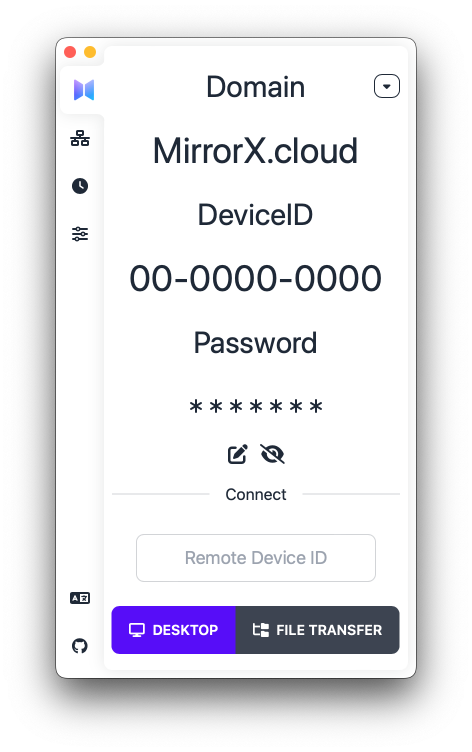
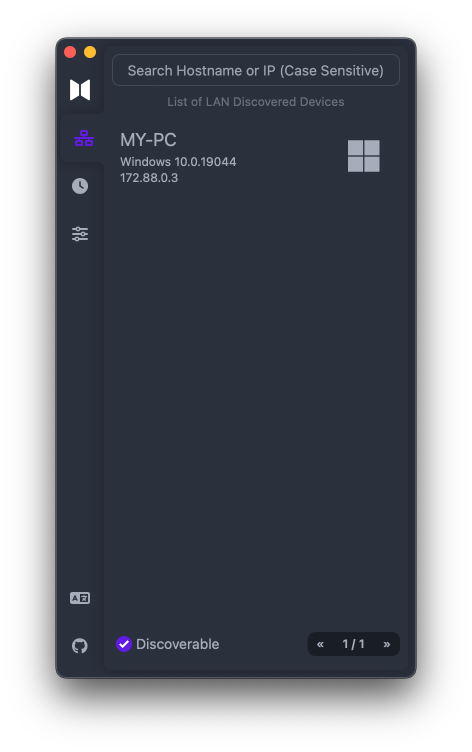
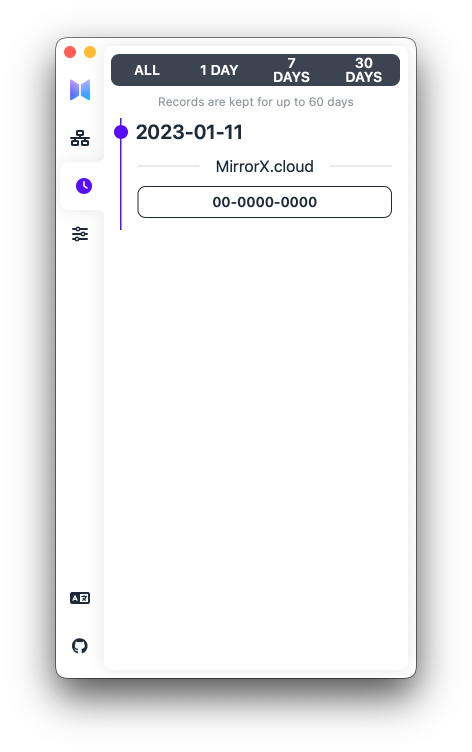
Thanks
Thanks these awesome open source projects that make MirrorX becomes true.
(listed partial with in no particular order, thanks all the authors of dependencies in Cargo.toml and package.json)
Extension points exported contracts — how you extend this code
EncoderConfig (Interface)Core symbols most depended-on inside this repo
getShape
Languages
Modules by API surface
For agents
$ claude mcp add MirrorX \
  -- python -m otcore.mcp_server <graph>