github.com/KhamisiKibet/QT-PyQt-PySide-Custom-Widgets @v1.0.0
Chat with this repoWhat it actually does AI analysis from the code graph — generated when you open this
README




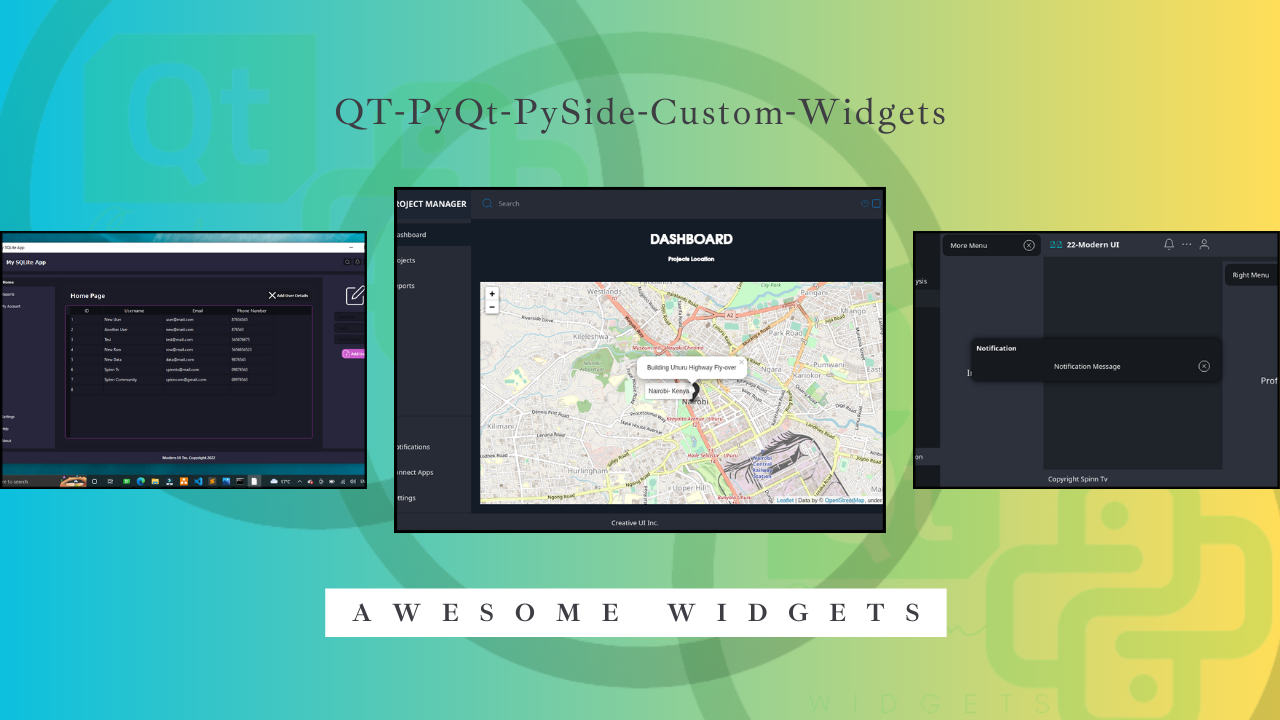
QT-PyQt-PySide-Custom-Widgets
Awesome custom widgets made for QT Desktop Applications. Simplify your UI development process. These widgets can be used in QT Designer then imported to PySide code.
Installation
First time installer:
pip install QT-PyQt-PySide-Custom-Widgets
Upgrade/install the latest version:
pip install --upgrade QT-PyQt-PySide-Custom-Widgets
Testing
The examples folder in this repository contains a few code examples you can use to test and learn about the custom widgets.

How to use it.
Please read the required project structure and other important updates here before proceeding.
Documentation:
-
Available custom widgets:
-
Available custom widgets:
AnalogGaugeWidgetQCustomCheckBoxQCustomProgressIndicatorQCustomQPushButtonQCustomQSliderQCustomQStackedWidgetQCustomSlideMenu


-
Other extra functions:
ProjectMaker / project wizard- Used for creating aQt-Pythonproject on an empty folder. Read moreQCards- Apply the same syle iedrop-shadow effectto a group ofQFrame,QWidgetetc. Best for creating dashboard cards. Read moreQCustomQPushButtonGroup- Create a group ofQPushButtons with differentstylesheets for the currentactiveorclickedbutton and other innactive buttons. Read moreQt Theme Engine- Beautify your app. This feature will create multiple themes for QT for Python apps. Read moreQSettings- Easily save your app configurations that will be remembered even after restarting the app ie app theme from Qt Theme Engine`. Watch the tutorial
-
Or watch the tutorial videos here
Credits
Support 💖
Thanks to all supporters on YouTube, Patreon and other platforms.
If you find this project valuable and would like to contribute to its development and maintenance, you can support us on Patreon. Your sponsorship means a lot and is greatly appreciated!💖
Contributors
Thanks to all the contributors involved in the development of the project!
Made with contrib.rocks.
App gallery
A list of modern GUI's made using the custom widgets module. View
Core symbols most depended-on inside this repo
Shape
Languages
Modules by API surface
For agents
$ claude mcp add QT-PyQt-PySide-Custom-Widgets \
  -- python -m otcore.mcp_server <graph>