hub / github.com/GustavoPeredo/Font-Downloader
github.com/GustavoPeredo/Font-Downloader @v10.0.0
Chat with this repo
79 symbols
183 edges
6 files
1 documented · 1%
● updated 9mo agov10.0.0 · 2022-05-25★ 17835 open issues
Browse by type
What it actually does AI analysis from the code graph — generated when you open this
loading…
README
 Font Downloader

About
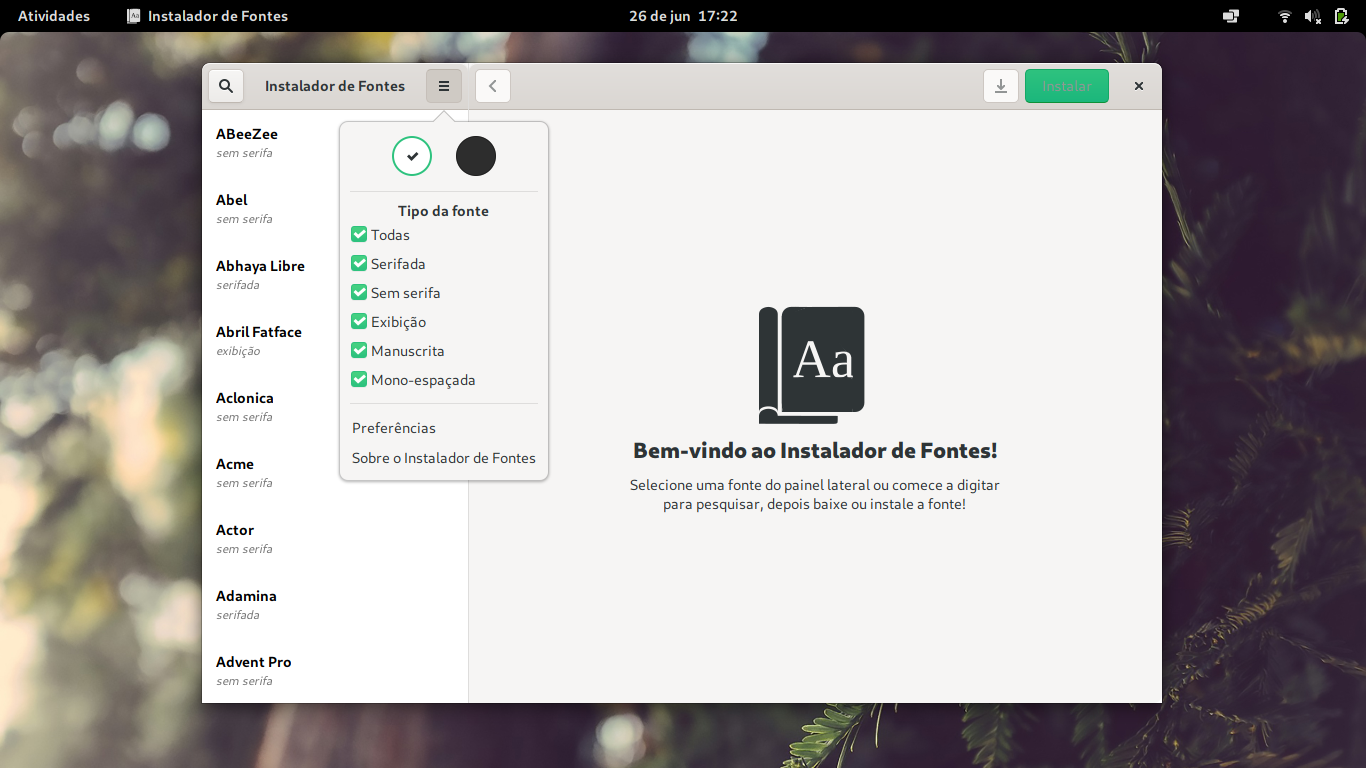
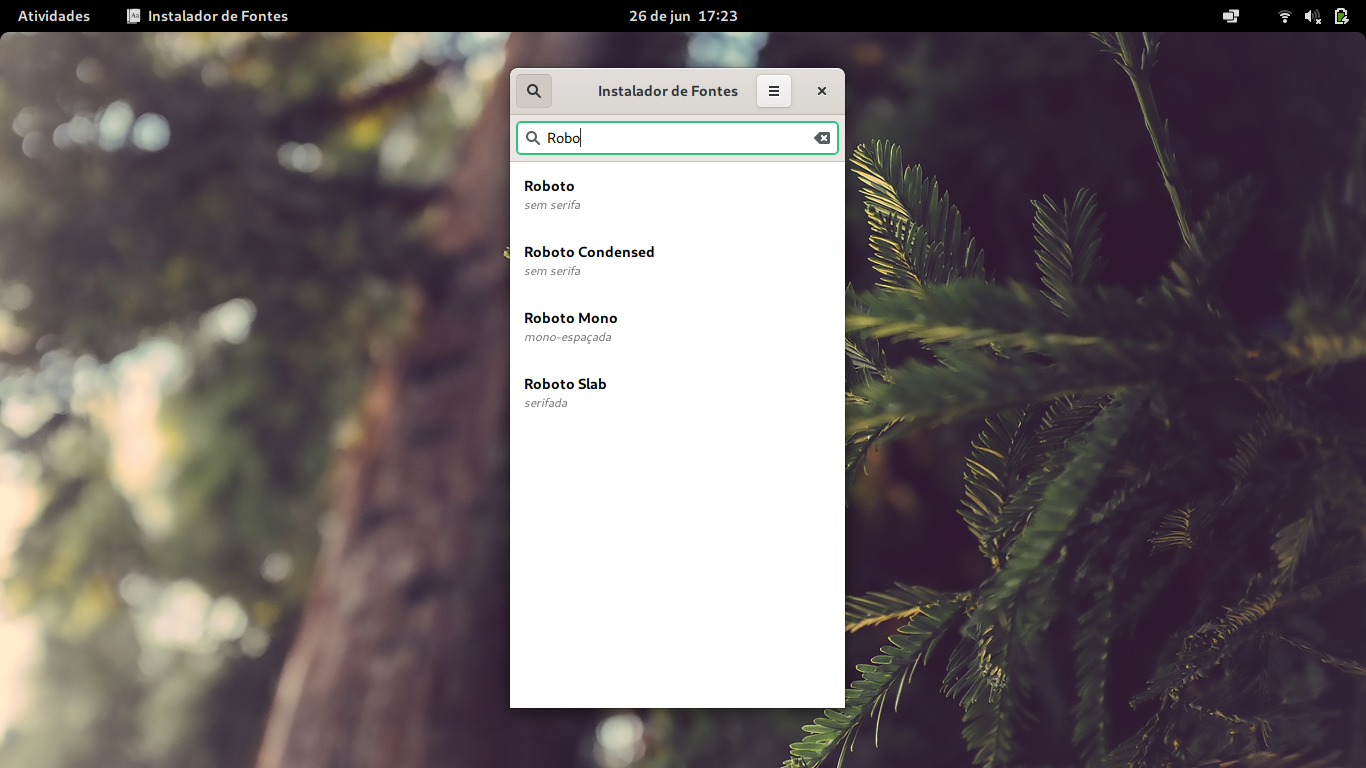
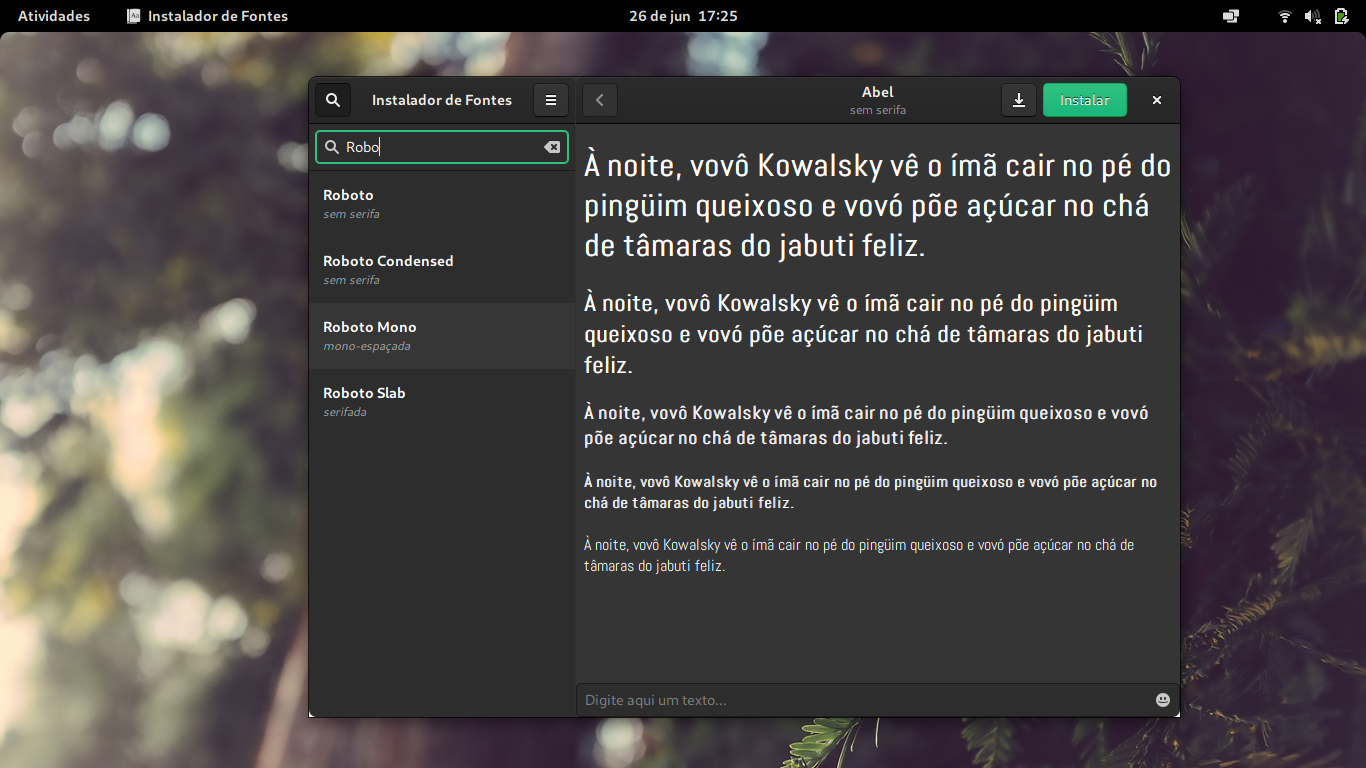
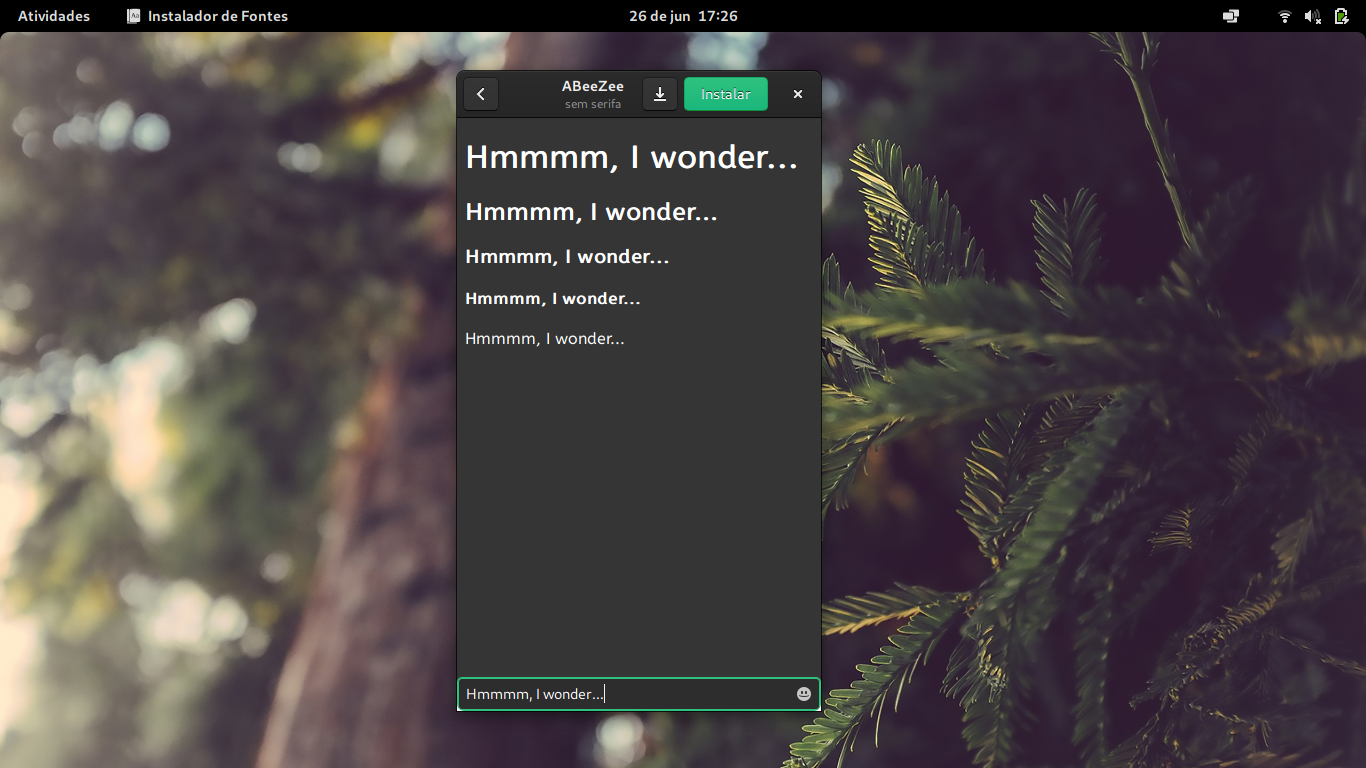
One day I was bored of my terminal font and wanted to switch, unfortunately going through the entire process of searching Google Fonts for a font, then downloading, then copying and pasting it into my .fonts folder to only then test a font was a pain. So I decided to create this app!
<a href='https://flathub.org/apps/details/org.gustavoperedo.FontDownloader'><img width='240' alt='Download on Flathub' src='https://flathub.org/assets/badges/flathub-badge-en.png'/></a>
Screenshots
How to compile
If you use GNOME Builder, simply cloning the project is enough, otherwise you need to install libhandy as a dependency.
Dependencies in Fedora:
sudo dnf install cmake meson ninja
sudo dnf install libhandy1-dev
Then build using meson:
git clone https://github.com/GustavoPeredo/font-downloader.git
cd font-downloader
mkdir build
meson build .
cd build
ninja
ninja install
To run it from terminal:
fontdownloader
Translations!
They are here and need your help! Don't be afraid to open an issue or contribute to the translations here: https://poeditor.com/join/project?hash=hfnXv8Iw4o
To-Dos
- ~~Learn how po works~~
- ~~Do some translations~~
- ~~See if it is ready for flatpak~~
- ~~Add GtkFileChooser dialog for user to choose where to download fonts to~~
- ~~Create settings panel (default installation directory and dark mode)~~
- ~~Create about window~~
- ~~Visual feedback for when fonts are done installing/downloading~~
- ~~Show a little check for when a font is already installed~~
- ~~Add new filters (depending on alphabet, will probably require a redesign of the app)~~
- ~~Optimize code~~
- ~~Update to libhandy 1.0 and update glade files acordingly~~
- ~~Find a way to remove the "back_button" without check-resize~~
- ~~Fix fonts names~~
- ~~Translate new strings~~
- ~~Migrate to gitlab~~
Proudly part of the GNOME Circle
<a href='https://circle.gnome.org/'><img width='240' alt='GNOME Circle' src='https://gitlab.gnome.org/Teams/Circle/-/raw/master/assets/button/circle-button-fullcolor.svg'/></a>
Core symbols most depended-on inside this repo
updateFilter
called by 5
src/windowX11.py
updateFilter
called by 5
src/window.py
updateListOfInstalledFonts
called by 3
src/window.py
updateListOfInstalledFonts
called by 2
src/windowX11.py
updateAlphabet
called by 2
src/windowX11.py
updateAlphabet
called by 2
src/window.py
_async_call
called by 1
src/fsync.py
setup_css
called by 1
src/windowX11.py
Shape
Languages
Python100%
Modules by API surface
src/window.py36 symbols
src/windowX11.py35 symbols
src/main.py4 symbols
src/fsync.py4 symbols
For agents
$ claude mcp add Font-Downloader \
  -- python -m otcore.mcp_server <graph>