github.com/Genesis-Embodied-AI/genesis-world @v1.2.0 sqlite
README
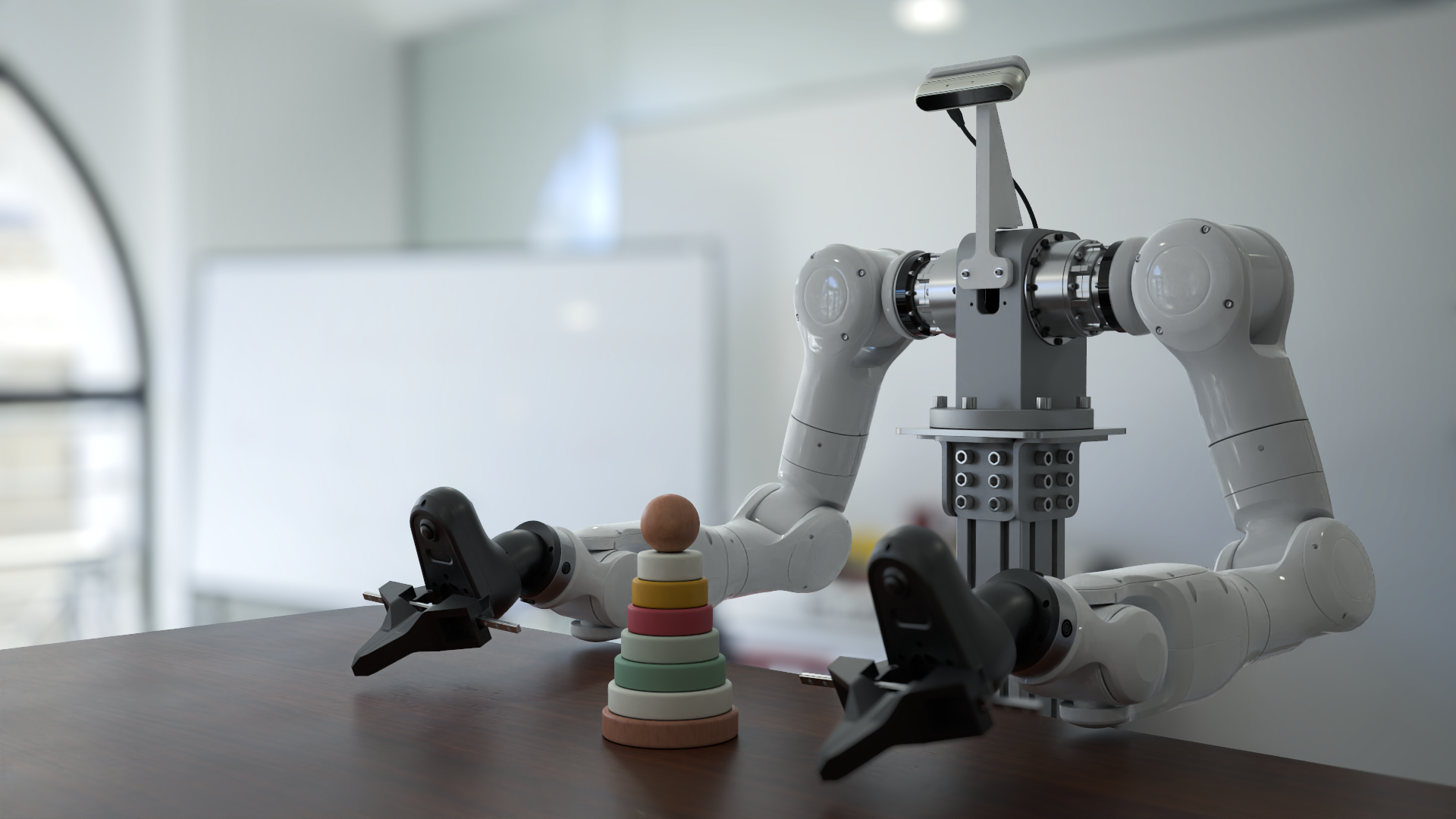
Genesis World






Genesis World is a simulation platform for physical AI developments. It combines a unified multi-physics engine, a photo-realistic renderer (Nyx), and a cross-platform compiler (Quadrants) behind a Pythonic simulation interface. Genesis World is designed to scale from a single laptop kernel to datacenter-grade GPUs, while remaining easy to read, extend, and embed in research code.
It was previously named Genesis and started as an academic project since Dec 2024, and its development is now officially supported by Genesis AI.
For more technical details, refer to our blog post.
Table of Contents
- What is Genesis World?
- Catalogue
- Quick Installation
- Docker
- Contribution
- Support
- License and Acknowledgments
- Citation
What is Genesis World?
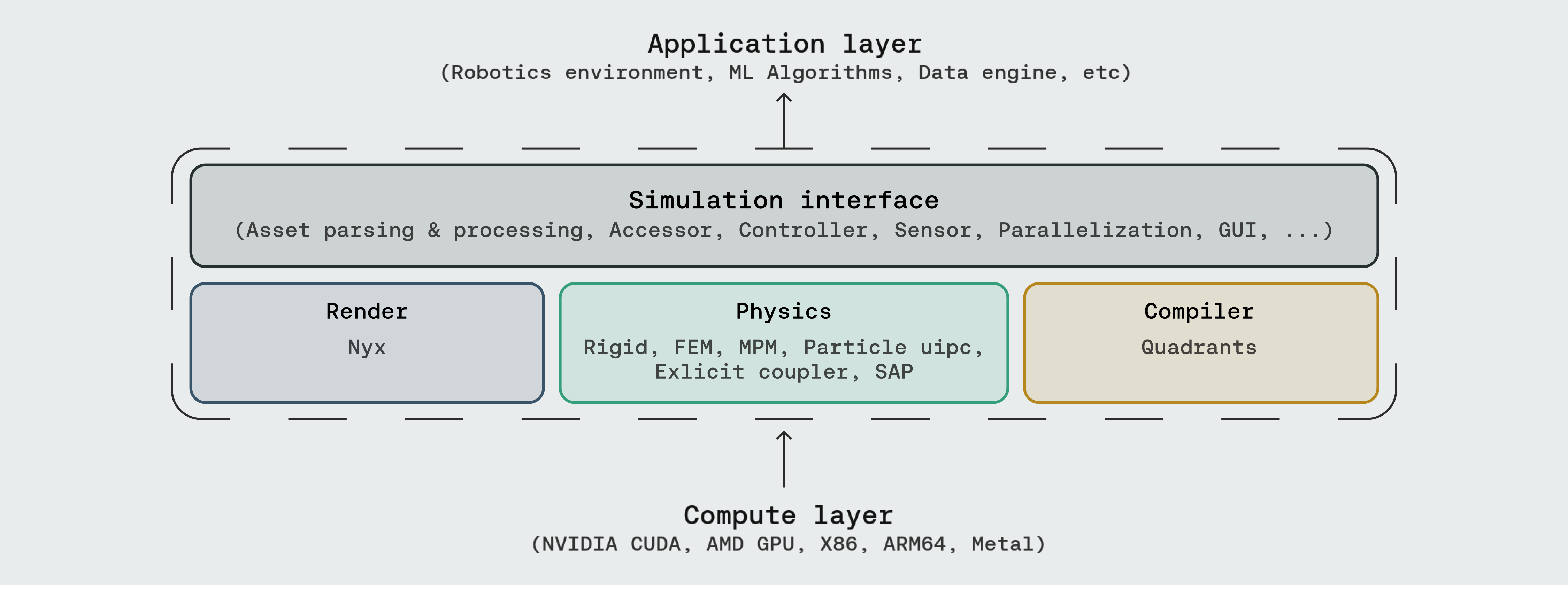
Genesis World occupies the four layers inside the dashed box. Above sits whatever you build (robotics environments, ML pipelines, data generation, agentic simulation); below sits whatever compute backend you have.

- Simulation Interface — the user-facing API: asset parsing (URDF, MJCF, OBJ, GLB, USD, …), entity accessors, controllers, sensors, parallel and heterogeneous environments, and a built-in GUI.
- Physics — a unified multi-physics engine integrating Rigid, FEM, MPM, Particle (PBD / SPH), uipc, an explicit coupler, and SAP, all sharing one scene and one state.
- Render — three rendering paths plug in as camera sensors: Nyx (our in-house renderer designed for robotics), Luisa (DSL ray tracer), and Pyrender (rasterizer).
- Compiler — Quadrants lowers Python kernel code to CUDA, AMD ROCm, Apple Metal, Vulkan, x86, and ARM64. It carries Genesis's autodiff, GPU graphs, and fastcache machinery.
Documentation
Catalogue









Three sections, mirroring the Genesis layers that ship runnable demos: Physics (solvers and multi-solver coupling), Rendering (in-repo camera setups plus the Nyx walkthroughs hosted in genesis-nyx), and Simulation Interface (sensors, GUI, controllers, parallel/heterogeneous envs, and tutorials). Most scripts run end-to-end after pip install -e ".[dev]"; demos that depend on optional backends (e.g. the IPC and Nyx examples) need the extras listed in Optional extras.
Physics












Rendering
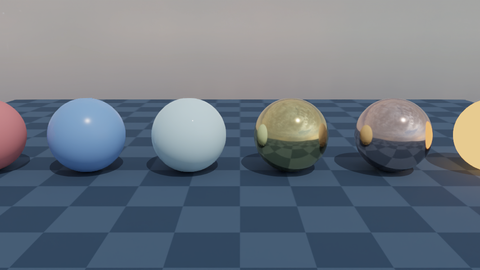
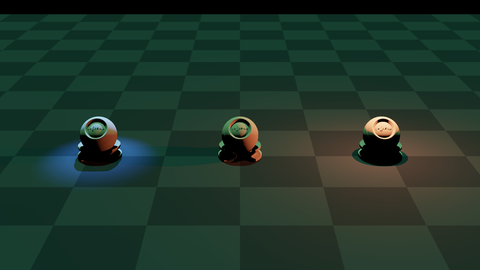
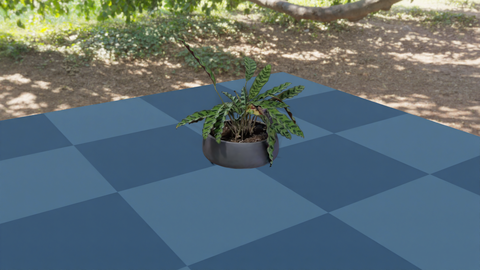
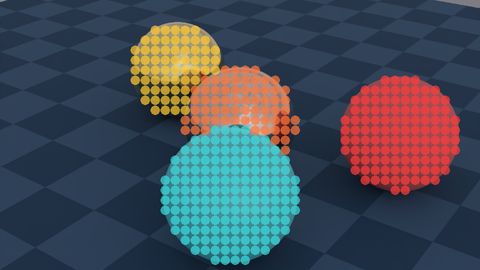
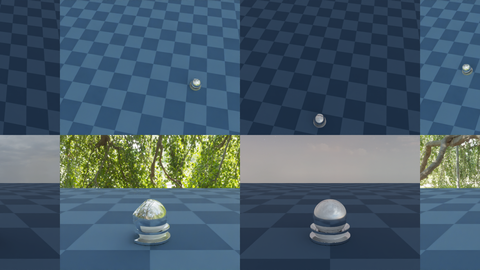
Genesis exposes three rendering paths as camera sensors: built-in (Nyx / Luisa / Pyrender) and detailed Nyx walkthroughs hosted in genesis-nyx.
| Follow entity | Animated camera | Nyx: hello |
 |
 |
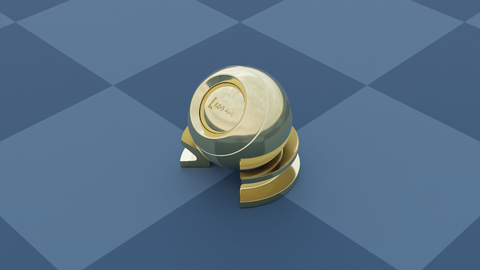 |
| Nyx: attached camera | Nyx: PBR materials | Nyx: light types |
 |
 |
 |
| Nyx: 3D Gaussian splat | Nyx: object picking | Nyx: multi-cam multi-env |
 |
 |
 |


Simulation Interface








Quick Installation
Using pip
Install PyTorch first following the official instructions.
Then, install Genesis via PyPI:
pip install genesis-world # Requires Python>=3.10,<3.14;
For the latest version to date, make sure that pip is up-to-date via pip install --upgrade pip, then run command:
pip install git+https://github.com/Genesis-Embodied-AI/genesis-world.git
Note that the package must still be updated manually to sync with main branch.
Users seeking to contribute are encouraged to install Genesis in editable mode. First, make sure that genesis-world has been uninstalle
Core symbols most depended-on inside this repo
add_entityShape
Languages
Modules by API surface
Dependencies from manifests, versioned
For agents
$ claude mcp add genesis-world \
  -- python -m otcore.mcp_server <graph>