github.com/Fluid-CAD/FluidCAD @v0.0.39
Chat with this repoWhat it actually does AI analysis from the code graph — generated when you open this
README

FluidCAD
Write CAD models in JavaScript. See the result in real time.
Getting Started · Tutorials · Guides
FluidCAD is under active development. APIs and features may change as the project evolves.
I'm not accepting pull requests just yet -- I'm still finalizing the design and putting together a roadmap. Once I hit v0.1.0, I'd love to have contributions from the community. Stay tuned!
Under the Hood
FluidCAD is built on OpenCascade, a full B-Rep (boundary representation) modeling kernel, through the opencascade.js WebAssembly binding. This means precise, production-grade geometry -- exact edges, fillets, and booleans -- not mesh approximations.
A huge thanks to the opencascade.js team for making this possible.
Features
Code-Driven 3D Modeling
Design parametric 3D models using JavaScript. Every change in your code is reflected instantly in the 3D viewport.
import { extrude, fillet, sketch } from 'fluidcad/core';
import { circle } from 'fluidcad/core';

sketch("xy", () => {
    circle(50)
})

const e = extrude(50)

fillet(5, e.startEdges())
Traditional CAD Workflow
A modeling workflow that feels familiar to users of mainstream CAD software -- sketches, extrusions, fillets, shells, booleans, and more -- all driven by code.
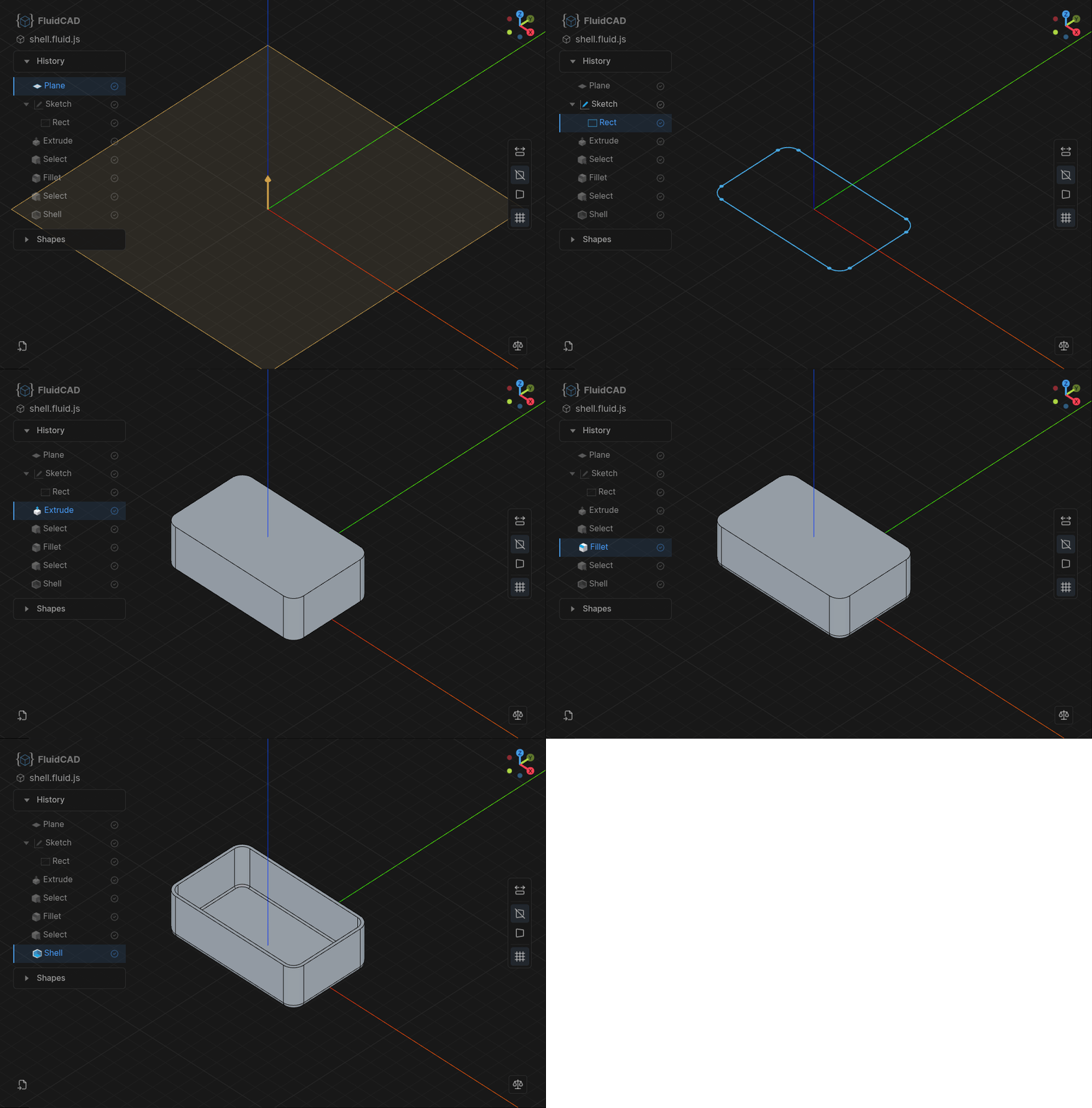
Modeling History
Navigate through your modeling history step by step. Review how any model was built and roll back to any point in the feature tree.
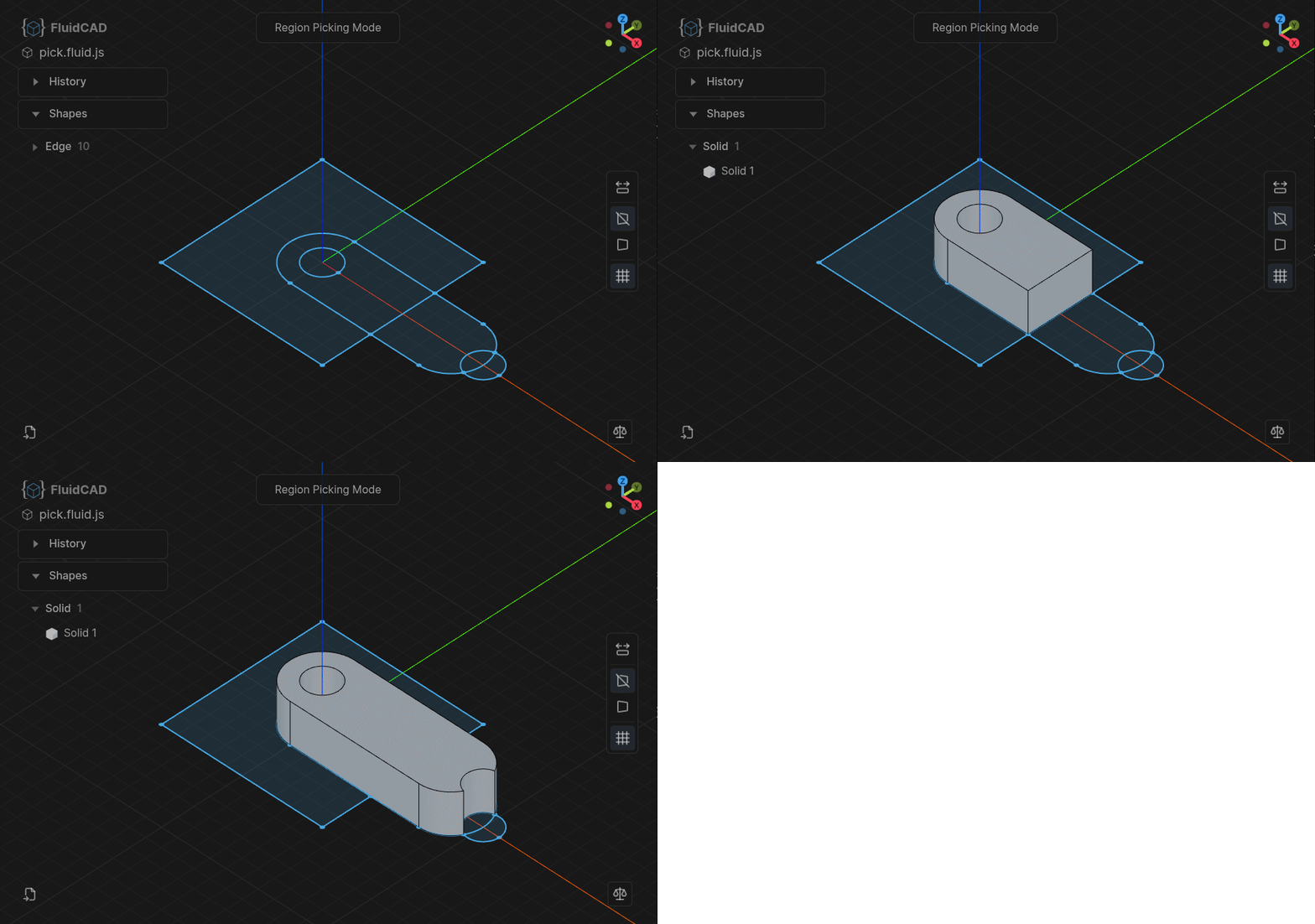
Interactive Prototyping
Some operations support interactive mouse-driven input directly in the viewport, letting you prototype faster without writing every parameter by hand.
Feature Transforms
Re-apply modeling features based on matrix transformations. Move, rotate, or mirror entire feature sequences to build complex geometry from simple building blocks.
sketch("xy", () => {
    rect(200, 100).centered()
})

const e1 = extrude(20)

sketch(e1.endFaces(), () => {
    circle([-80, 30], 30)
});

const pin = extrude(10)

const f = chamfer(2, pin.endEdges());

repeat("linear", ["x", "y"], {
    count: [4, 2],
    length: [160, -60]
}, pin, f)
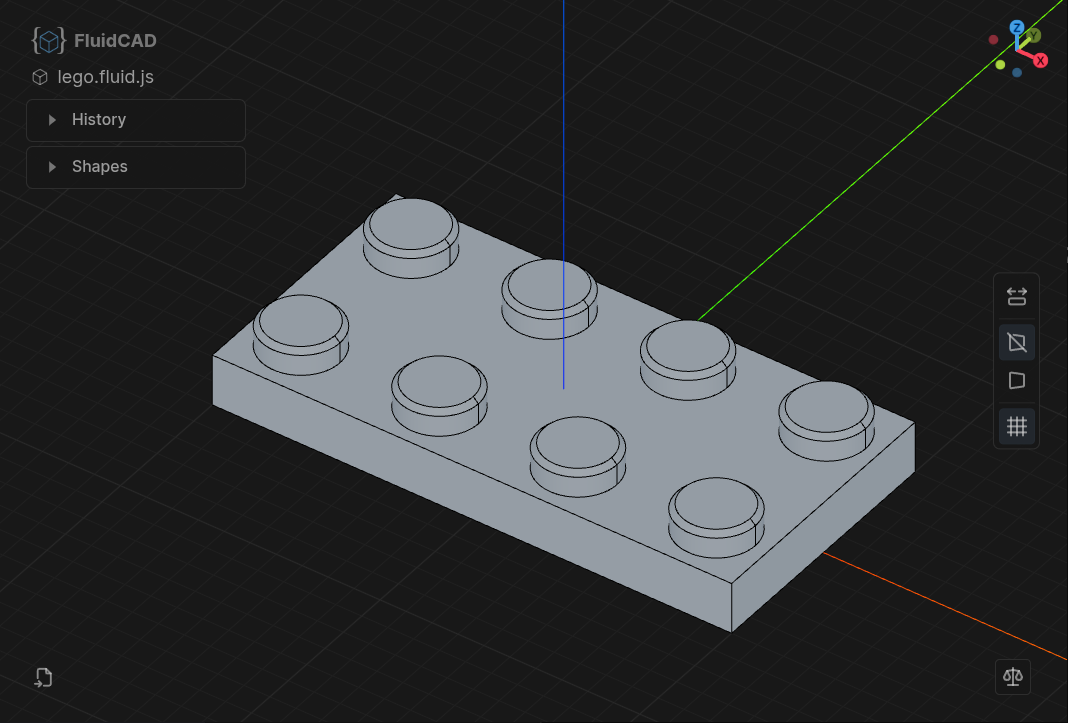
Pattern Copying
Duplicate features in linear or circular patterns to quickly populate repetitive geometry.
Smart Defaults
Most operations just do the right thing without extra arguments. extrude picks up the last sketch, fillet targets the last selection, and touching shapes are automatically fused -- less boilerplate, more readable code.
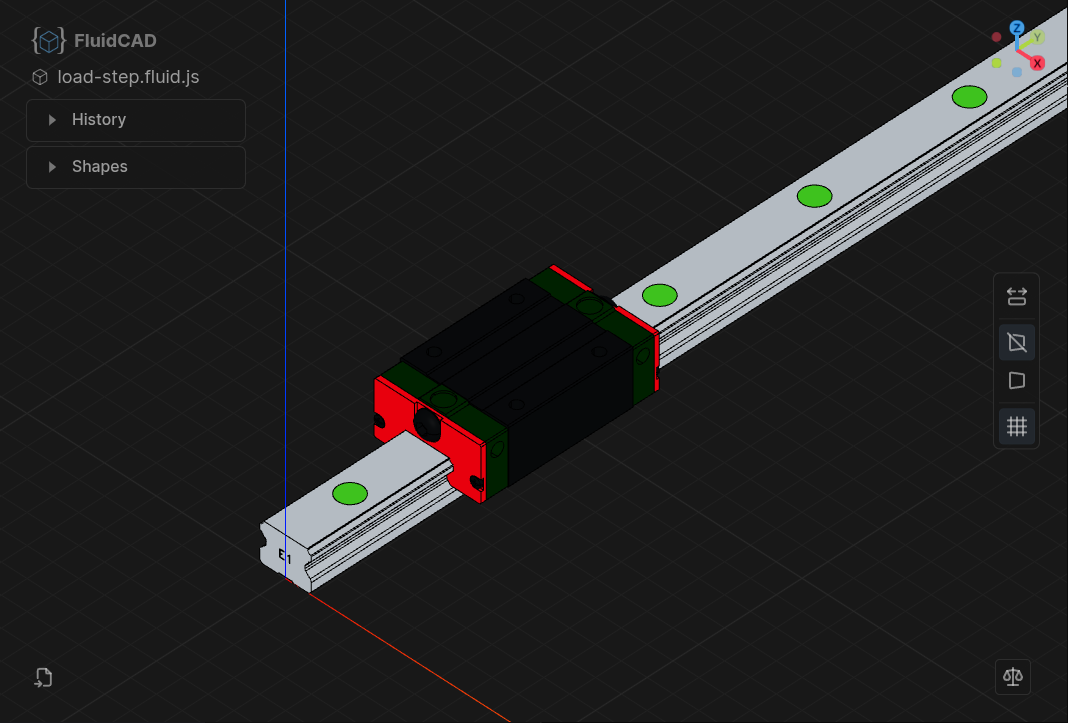
STEP Import / Export
Import and export STEP files with full color support. Bring in existing CAD models or share your designs with any standard CAD tool.
Use Your Favorite Editor
FluidCAD ships official extensions for VS Code and Neovim, but works with any editor -- just point the CLI at your project.
LLM / AI Agent Integration (MCP)
FluidCAD ships an MCP server so AI agents (Claude Code, Claude Desktop, Cursor, opencode, etc.) can drive a running workspace -- take screenshots, inspect geometry, edit .fluid.js files, and look up the API by symbol. See Set Up the MCP Server below.
Tutorials
Step-by-step tutorials from simple shapes to exam-level parts. Browse all tutorials →
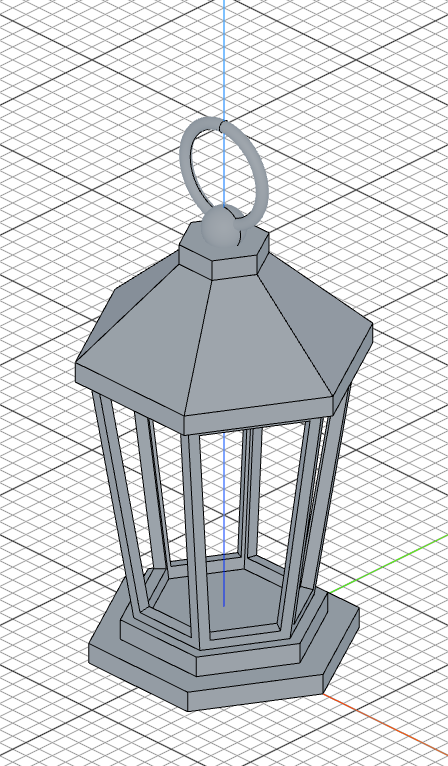 Lantern
|
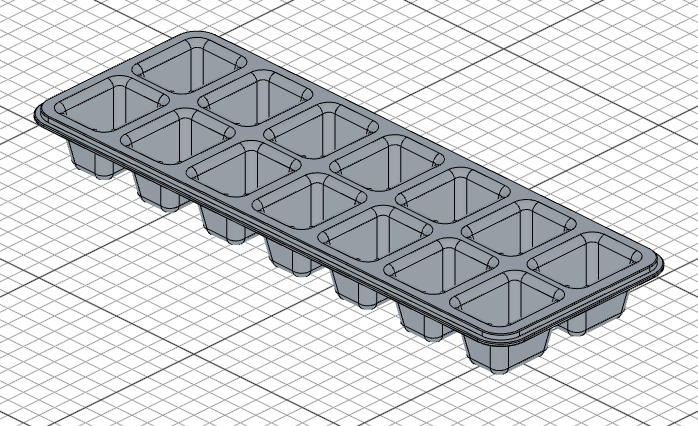 Ice Cube Tray
|
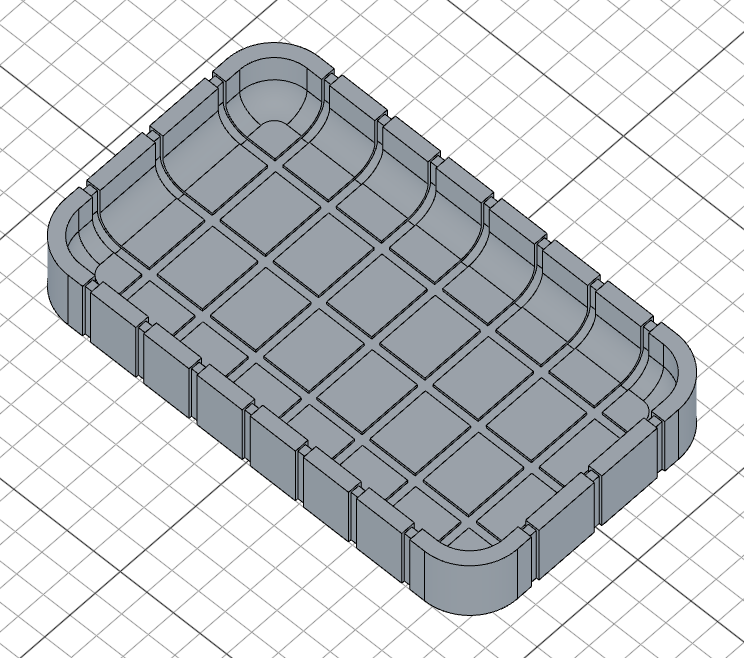 Grooved Box
|
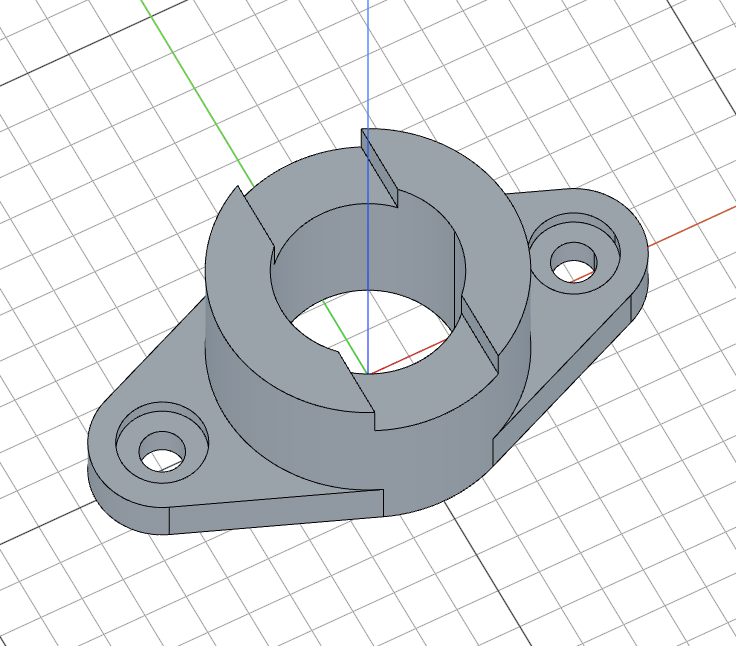 Flange With Notch
|
 CSWP Sample Exam
|
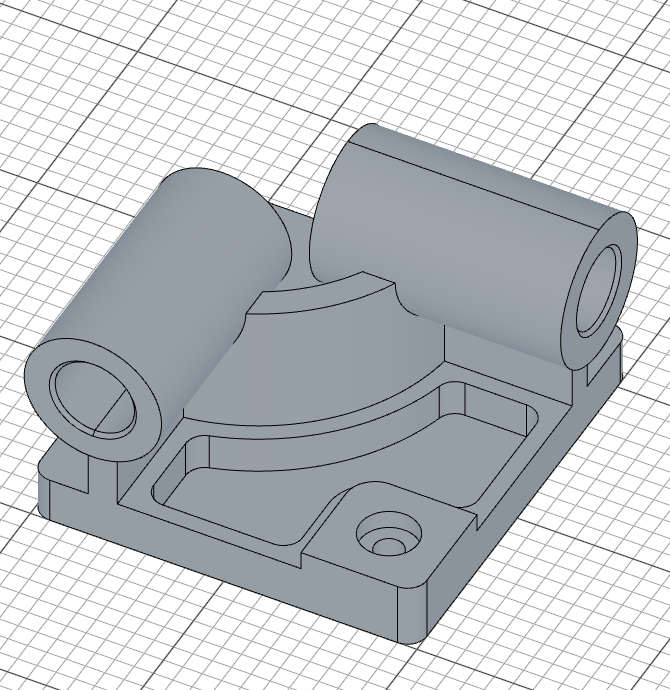
 Hinge Bracket
|
Getting Started
1. Create a New Project
mkdir my-app && cd my-app
npm init -y
npm install fluidcad
npx fluidcad init
This generates init.js and jsconfig.json to get you started.
2. Set Up Your Editor
VS Code
- Install the FluidCAD extension from the VS Code Marketplace.
- Open your project folder in VS Code.
- Open the Command Palette (
Ctrl+Shift+P/Cmd+Shift+P) and run Show FluidCAD Scene.
The 3D viewport opens in a side panel and updates live as you edit .fluid.js files.
Neovim
Add the plugin with lazy.nvim:
{
  "Fluid-CAD/FluidCAD",
  config = function()
    require("fluidcad").setup()
  end,
  ft = { "javascript" },
}
Open a .fluid.js file and the server starts automatically. Run :FluidCadOpenBrowser to open the 3D viewport in your browser.
See the full list of commands in the Neovim plugin README.
Any Other Editor
From your project directory, run the FluidCAD server directly:
npx fluidcad serve
This starts a local server and opens a 3D viewport in your browser. Edit your .fluid.js files in any editor -- the viewport updates on save.
Options:
| Flag | Description | Default |
|---|---|---|
-w, --workspace <path> |
Path to your project | Current directory |
-p, --port <port> |
Server port | 3100 |
--open |
Open the viewport in your default browser when ready | off |
3. (Optional) Set Up the MCP Server
FluidCAD bundles an MCP server so LLM agents can drive your workspace -- screenshots, geometry inspection, source edits, API lookup. It's included in the fluidcad package; no separate install needed.
Wire it into your MCP client:
Claude Code
Register at user scope so it's available in every project:
claude mcp add --scope user FluidCAD -- npx -y fluidcad mcp
Claude Desktop / Cursor
Add to claude_desktop_config.json or ~/.cursor/mcp.json:
{
  "mcpServers": {
    "FluidCAD": {
      "command": "npx",
      "args": ["-y", "fluidcad", "mcp"]
    }
  }
}
opencode
Run opencode mcp add and answer the prompts, or add to ~/.config/opencode/opencode.json:
{
  "$schema": "https://opencode.ai/config.json",
  "mcp": {
    "FluidCAD": {
      "type": "local",
      "command": ["npx", "-y", "fluidcad", "mcp"],
      "enabled": true
    }
  }
}
Then install the companion skill so agents follow the FluidCAD workflow:
npx skills add Fluid-CAD/FluidCAD
See the MCP README for the full tool surface, transport details, and local-testing guide.
License
MIT
Extension points exported contracts — how you extend this code
TangentLineSolver (Interface)Core symbols most depended-on inside this repo
sketchShape
Languages
Modules by API surface
For agents
$ claude mcp add FluidCAD \
  -- python -m otcore.mcp_server <graph>