github.com/EddyVerbruggen/nativescript-printer @3.0.0
Chat with this repoWhat it actually does AI analysis from the code graph — generated when you open this
README
NativeScript Printer plugin




Think about the environment before printing!
Installation
From the command prompt go to your app's root folder and execute:
tns plugin add nativescript-printer
Demo app
Want to dive in quickly? Check out the demo! Otherwise, continue reading.
Run the demo app from the root of the project: npm run demo.ios or npm run demo.android.
Android screenshots
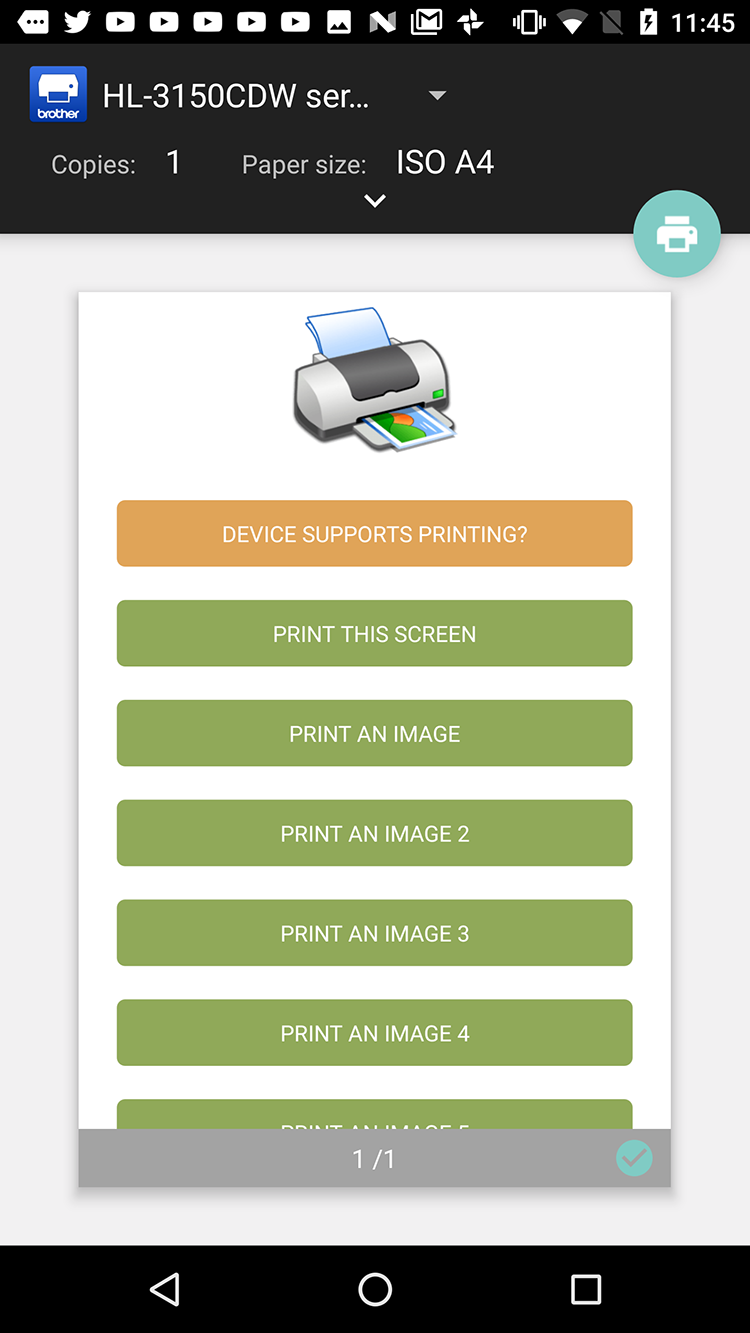
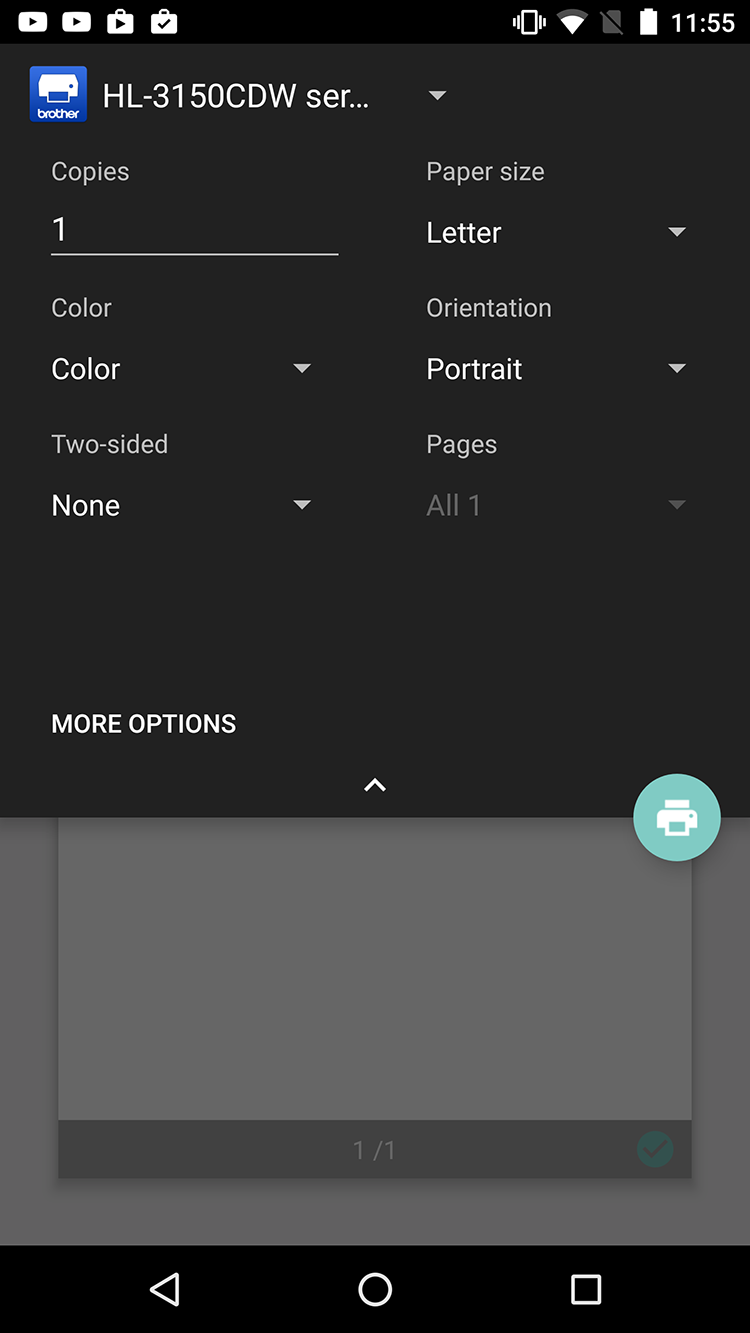
iOS screenshots
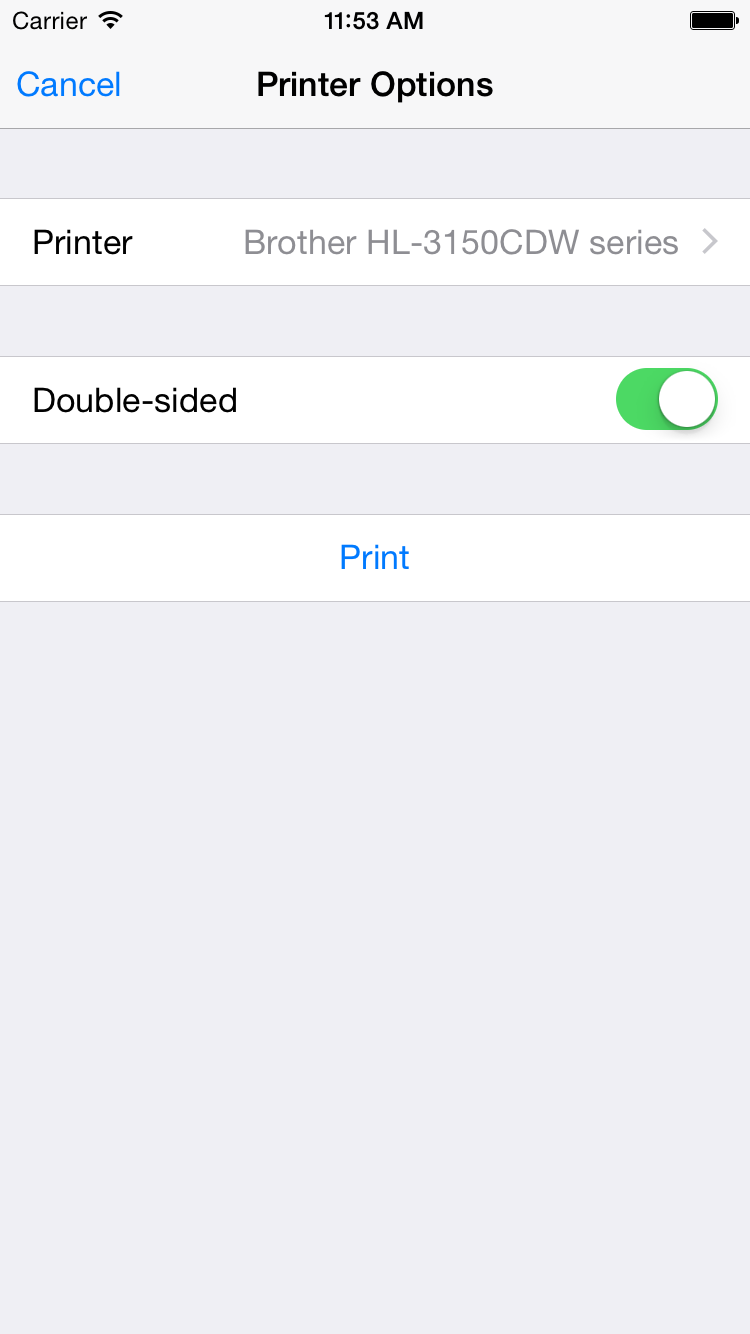
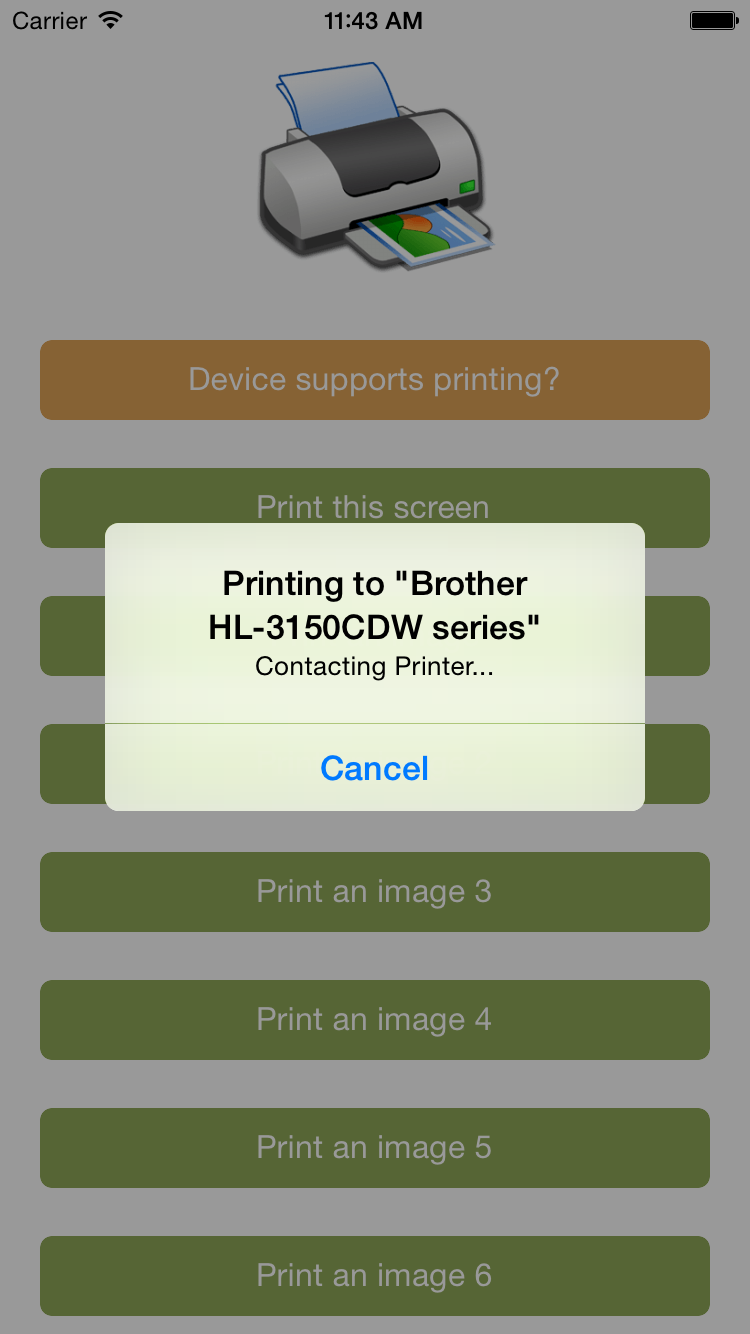
API
isSupported
Not all devices support printing, so it makes sense to check the device capabilties beforehand.
TypeScript
// require the plugin
import {Printer} from "nativescript-printer";

// instantiate the plugin
let printer = new Printer();

printer.isSupported().then((supported) => {
  alert(supported ? "Yep!" : "Nope :'(");
}, (error) => {
  alert("Error: " + error);
});
printImage
TypeScript
// let's load an image that we can print. In this case from a local folder.
let fs = require("file-system");
let appPath = fs.knownFolders.currentApp().path;
let imgPath = appPath + "/res/printer.png";
let imgSrc = new ImageSource();
imgSrc.loadFromFile(imgPath);

printer.printImage({
  imageSrc: imgSrc
}).then((success) => {
  alert(success ? "Printed!" : "Not printed");
}, (error) => {
  alert("Error: " + error);
});
printPDF
TypeScript
import { knownFolders } from "tns-core-modules/file-system/file-system";

printer.printPDF({
  pdfPath: knownFolders.currentApp().path + "/pdf-test.pdf"
}).then((success) => {
  alert(success ? "Printed!" : "Not printed");
}, (error) => {
  alert("Error: " + error);
});
printScreen
Prints the current screen contents. Anything off screen will not be printed.
TypeScript
printer.printScreen().then((success) => {
  alert(success ? "Printed!" : "Not printed");
}, (error) => {
  alert("Error: " + error);
});
You can also print a specific portion of the screen, which also enables you to print views that are larger than the viewport. This is an example of a non-Angular NativeScript app:
Note If the view is either of the following depending on the size of it's contents it would break into multiple pages.
Label | TextView | HtmlView | WebView
  <StackLayout id="printMe">
    <Label text="Print me :)" />
  </StackLayout>

  <Button text="Print" tap="{{ print }}" />
  public print(args) {
    printer.printScreen({
      view: args.object.page.getViewById("printMe")
    });
  }
Extension points exported contracts — how you extend this code
Core symbols most depended-on inside this repo
Shape
Languages
Modules by API surface
For agents
$ claude mcp add nativescript-printer \
  -- python -m otcore.mcp_server <graph>