github.com/Desdaemon/odoo-lsp @v0.6.2
Chat with this repoWhat it actually does AI analysis from the code graph — generated when you open this
README
odoo-lsp





Features
Completion, definition and references for models, XML IDs and model fields
Works for records, templates, env.ref() and other structures.
For VSCode, also includes schema-based validation and completions for Odoo XML.
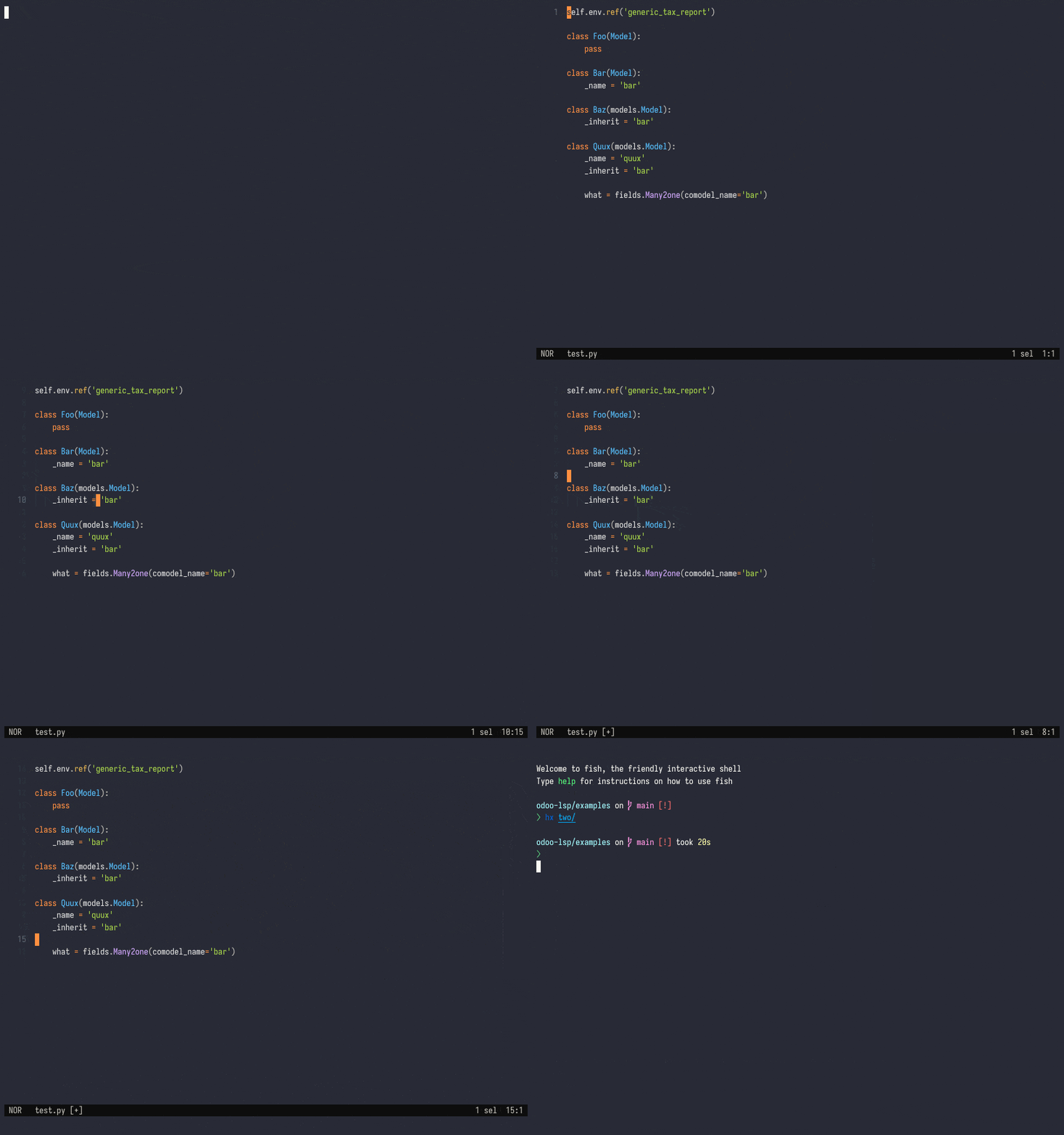
Browse models and XML records as workspace symbols
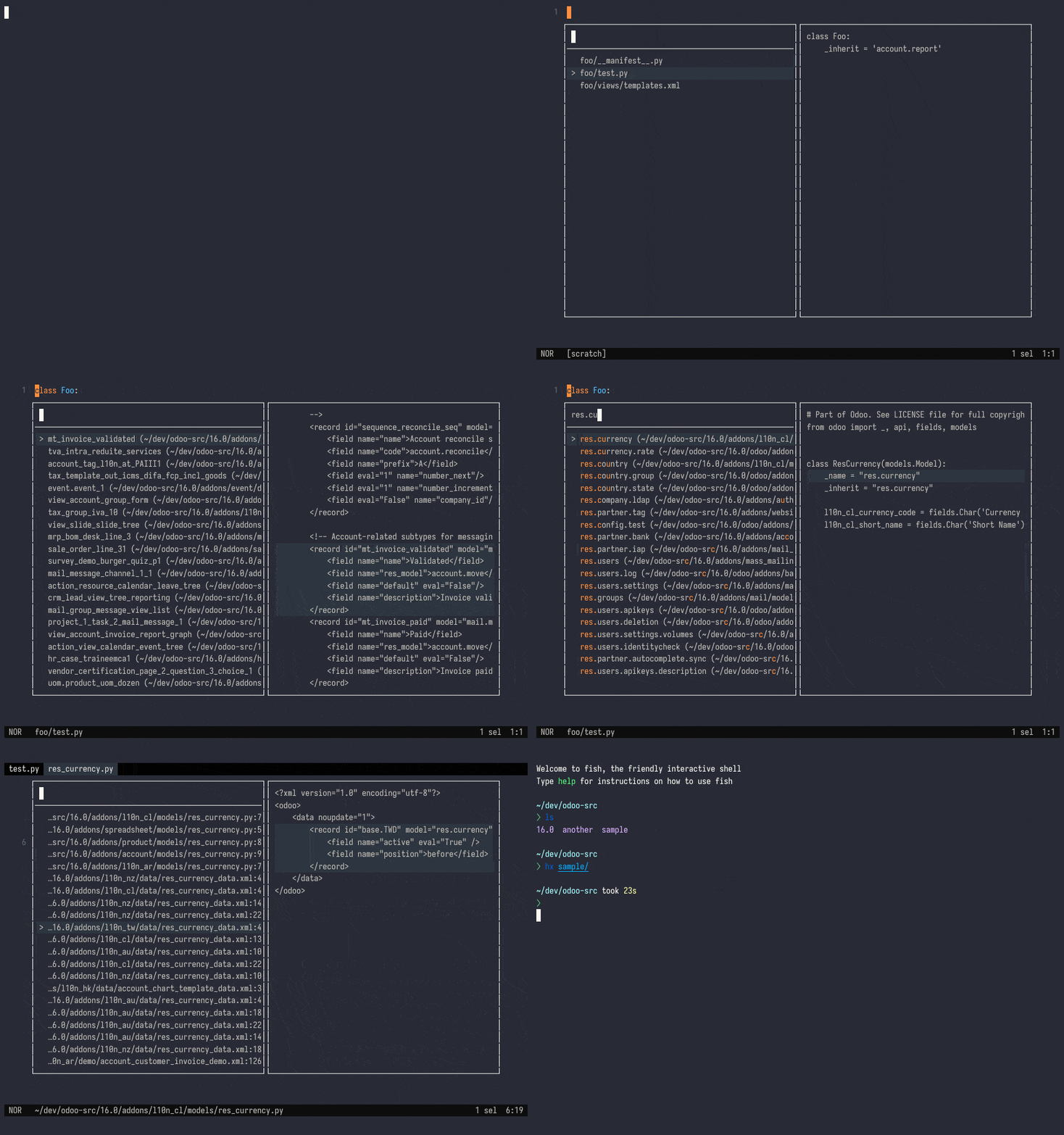
Syntax enhancements
Provides syntax highlighting in VSCode for Python, JavaScript, and XPath expressions in Odoo XML.
https://github.com/Desdaemon/odoo-lsp/assets/36768030/6003d5fe-9617-41df-ae3d-a704af77455c
For more features check out the wiki.
Install
The VSCode extension handles downloading the latest releases automatically; other editors need odoo-lsp on the path.
Nightly binaries are also available for major platforms, please check Releases for the latest downloads.
# One-line
curl -L https://github.com/Desdaemon/odoo-lsp/releases/latest/download/odoo-lsp-x86_64-unknown-linux-musl.tgz | tar -xzvf -

# Apple Silicon
curl -L https://github.com/Desdaemon/odoo-lsp/releases/latest/download/odoo-lsp-aarch64-apple-darwin.tgz | tar -xzvf -

# With cargo-binstall
cargo binstall odoo-lsp

# Install from source
cargo install odoo-lsp

# Update in-place, optionally with --nightly
odoo-lsp self-update
Setup
For detailed usage instructions please check the wiki (work in progress).
VSCode
odoo-lsp is available from the Visual Studio Marketplace and the Open VSX Registry. Alternatively, you can grab the latest nightly builds from Releases.
Zed
odoo-lsp is available from the Zed extensions registry. For more details read the extension-specific README.
Helix
- Ensure that you have
odoo-lspon your path - Determine your Helix runtime folder, e.g.
~/.config/helix/on Linux - Modify
languages.tomlin your Helix runtime folder (create one if none exists) to include these lines:
[language-server]
# Update the path to match your setup
odoo-lsp.command = "odoo-lsp"

[[language]]
name = "xml"
language-servers = ["odoo-lsp"]
roots = [".odoo_lsp", ".odoo_lsp.json"]

[[language]]
name = "python"
roots = [
   ".odoo_lsp", ".odoo_lsp.json",
   # add the default roots here
]
# Order is important here
language-servers = [
   "odoo-lsp",
   # add the default language servers here
   "pylsp",
   # and any you need
]
- Alternatively, modify
$ROOT/.helix/languages.tomlwhere$ROOTis your Odoo modules root to include the above lines.
Neovim via lsp-zero.nvim
Instructions copied from lsp-zero docs
- Ensure that you have
odoo-lspon your path - Configure your Neovim (Lua) configuration file e.g. at
~/.config/nvim/init.luato use lsp-zero.nvim, adding odoo-lsp as a new server before callinglsp.setup():
-- lsp-zero stanza
local lsp = require('lsp-zero').preset({})
lsp.on_attach(function(client, bufnr)
  lsp.default_keymaps({buffer = bufnr})
end)

local lspconfigs = require 'lspconfig.configs'

-- define our custom language server here
lspconfigs.odoo_lsp = {
  default_config = {
    name = 'odoo-lsp',
    cmd = {'odoo-lsp'},
    filetypes = {'javascript', 'xml', 'python'},
    root_dir = require('lspconfig.util').root_pattern('.odoo_lsp', '.odoo_lsp.json', '.git')
  }
}

local configured_lsps = {
  odoo_lsp = {},
  -- optional but recommended, requires pyright-langserver on path
  pyright = {},
}

local lspconfig = require 'lspconfig'
for name, config in pairs(configured_lsps) do
  lspconfig[name].setup(config)
end

-- LSP setup done
lsp.setup()
A complete example can be found in examples/init.lua.
Troubleshooting
Run your editor with the RUST_LOG environment variable like below, e.g. for VSCode:
RUST_LOG=odoo_lsp=debug code ..
This will enable debug logs for the LSP server itself, which can be seen via your editor's logging mechanism. Please include these logs when opening an issue.
Development
Don't know where to start? Run cargo doc --bin odoo-lsp for a quick overview of the codebase. All contributions welcome!
VSCode extension
Once you have made your changes, run pnpm install-for-vscode to build and install the extension locally.
Extension points exported contracts — how you extend this code
DisplayExt (Interface)Core symbols most depended-on inside this repo
cloneShape
Languages
Modules by API surface
For agents
$ claude mcp add odoo-lsp \
  -- python -m otcore.mcp_server <graph>