github.com/David-Desmaisons/Vue.Isotope @v3.1.1
Chat with this repoWhat it actually does AI analysis from the code graph — generated when you open this
README
Vue.Isotope







Vue component (Vue.js 2.0) or directive (Vue.js 1.0) allowing isotope layout including filtering and sorting.
Motivation
Integrate Vue with isotope filter & sort magical layouts.
Demo
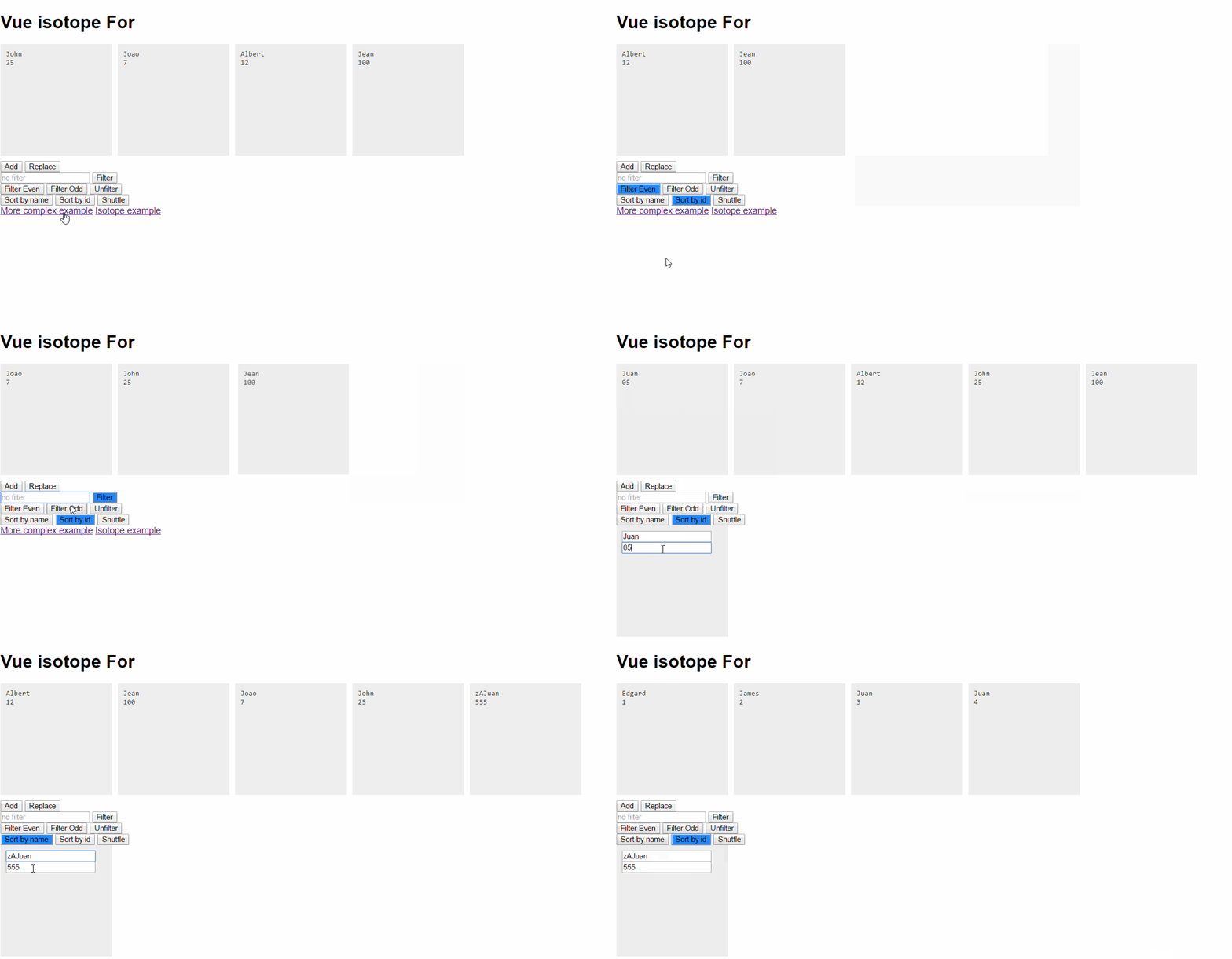
Isotope elements:
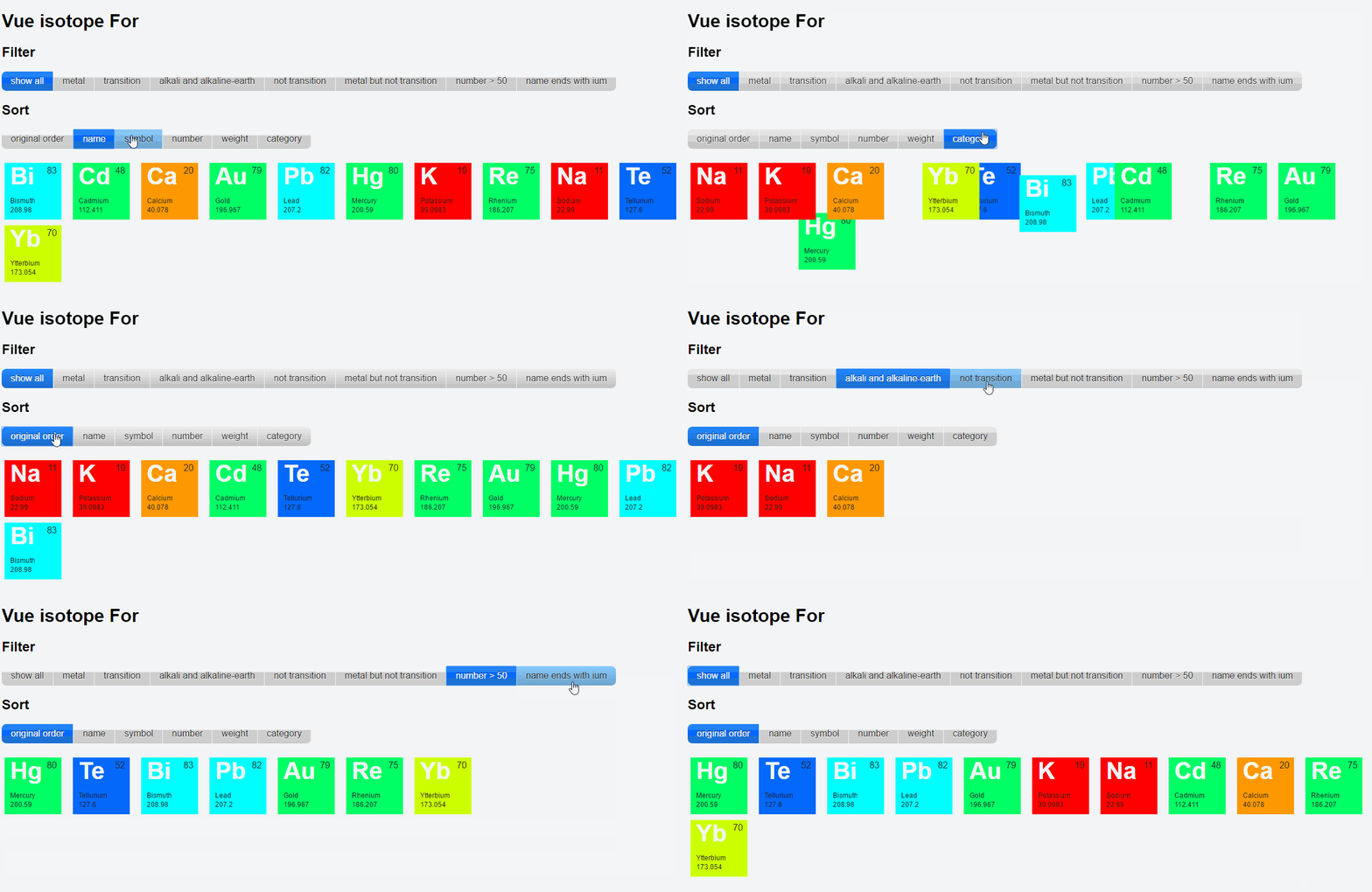
Features
- Full support of Isotope options via options parameters
- Reactivity: component react in case in case of property impacting sorting or filtering
- Provides filter and sort based on ViewModel information
Usage
For Vue.js 2.0
Use isotope component:
<isotope :options='getOptions()' :list="list" @filter="filterOption=arguments[0]" @sort="sortOption=arguments[0]">


    {{element.name}}


</isotope>
Important: elements inside the v-for loop should have a key prop set.
Props
itemSelector
Type: String
Required: false
Default: "item"
Class to be applied to the isotope elements. Similar as isotope itemSelector but without the starting "." This class will be applied automatically by the isotope component on the children elements.
list
Type: Array
Required: true
Array to be synchronized with drag-and-drop. Typically same array as referenced by inner element v-for directive.
options
Type: Object
Required: true
* All value are similar as isotope options expect for:
* Filter definition:
Implement filter by passing an option with a getFilterData object that exposes filter option. Vue.Isotope will call these
functions with the element to filter as parameter and this set as the underlying vm.
  getFilterData:{
    isEven: function(itemElem){
      return itemElem.id % 2 === 0;
    },
    isOdd: function(itemElem){
      return itemElem.id % 2 !== 0;
    },
    filterByText: function(itemElem){
      return itemElem.name.toLowerCase().includes(this.filterText.toLowerCase());
    }
  }
- Sort definition: Implement sort by passing as option a getSortData object that exposes filter option. Vue.Isotope will call these functions with the element to filter as parameter and this set as the underlying vm. If a string is passed instead of a function, sorting will use the corresponding property.
  getSortData: {
    id: "id",
    name: function(itemElem){
      return itemElem.name.toLowerCase();
    }
  }
Events
filter, sort, layout
Send when filter, sort and layout respectively are called on the isotope element with the corresponding String parameter.
shuffle
Send when shuffle is called on the isotope element.
arrange
Send when arrange is called on the isotope element with the corresponding Object parameter.
Methods
sort (name)
Sort the isotope component with the corresponding String parameter.
filter (name)
Sort the isotope component with the corresponding String parameter.
layout (option)
Change the layout of the isotope component using the option as layout name if option is String or with option object if option is Object.
arrange (option)
Call arrange on the isotope component with the corresponding Object parameter.
unfilter ()
Reset filter on the isotope component.
shuffle ()
Shuffle the isotope component.
Working with images
Unloaded images can throw off Isotope layouts and cause item elements to overlap. Use vue.imagesLoaded to solve this problem.
Gotchas
-
Elements inside the
v-forloop should have akeyprop set otherwise they will not be rendered. -
Using Webpack or Browersify requires extra configuration, see here
For Vue.js 1.0
Installation
- Available through:
npm install vueisotope
Bower install vueisotope
-
For Modules
``` js // ES6 import isotope from 'vueisotope' ... export default { components: { isotope, } ...
// ES5
var isotope = require('vueisotope')
``
- #### For
Core symbols most depended-on inside this repo
Shape
Languages
Modules by API surface
For agents
$ claude mcp add Vue.Isotope \
  -- python -m otcore.mcp_server <graph>