github.com/BrutPitt/glChAoS.P @v1.6.9
Chat with this repoBrowse by type
What it actually does AI analysis from the code graph — generated when you open this
README
glChAoS.P ⋅ wglChAoS.P - Ver 1.5.3
glChAoS.P / wglChAoS.P ⋅ opengl / webgl ⋅ Chaotic Attractors of Slight (dot) Particles
RealTime 3D Strange Attractors scout on GPU
The program also explores other chaotic-objects like hypercomplex fractals (IIM algorithm) and DLA3D

JetBrains supports glChAoS.P ⋅ wglChAoS.P
many thanks to JetBrains for donating o.s.license for all their excellent products
All available releases ==> Release Notes (what's new)
Desktop - v.1.5.3
- glChAoS.P - DeskTop - binaries available Windows / Linux / Mac OS
WebGL - v.1.5.3
- wglChAoS.P - WebG 2 via webAssembly - live / online using your browser - also for mobile devices
- You can select Advanced Mode check box (default) or deselect it (Standard Mode) for low resources devices (mobiles/tablet/smartphones)
- You can also to explore any single attractor, interactively, staring directly from web-page, using Explore button near/below any attractor formula: Attractors Formulas
- WebGL release is a more limited/lightened version, but frequently updated/rebuilt with last commits
To view all "chaotic-objects" currently inserted in current release, follow the link: Attractors Formulas
*any single object can be explored interactively via WebGL/WebAssembly directly from site.
Latest features from ver.1.5.3
TransformFeedback → multiDot particles emitter
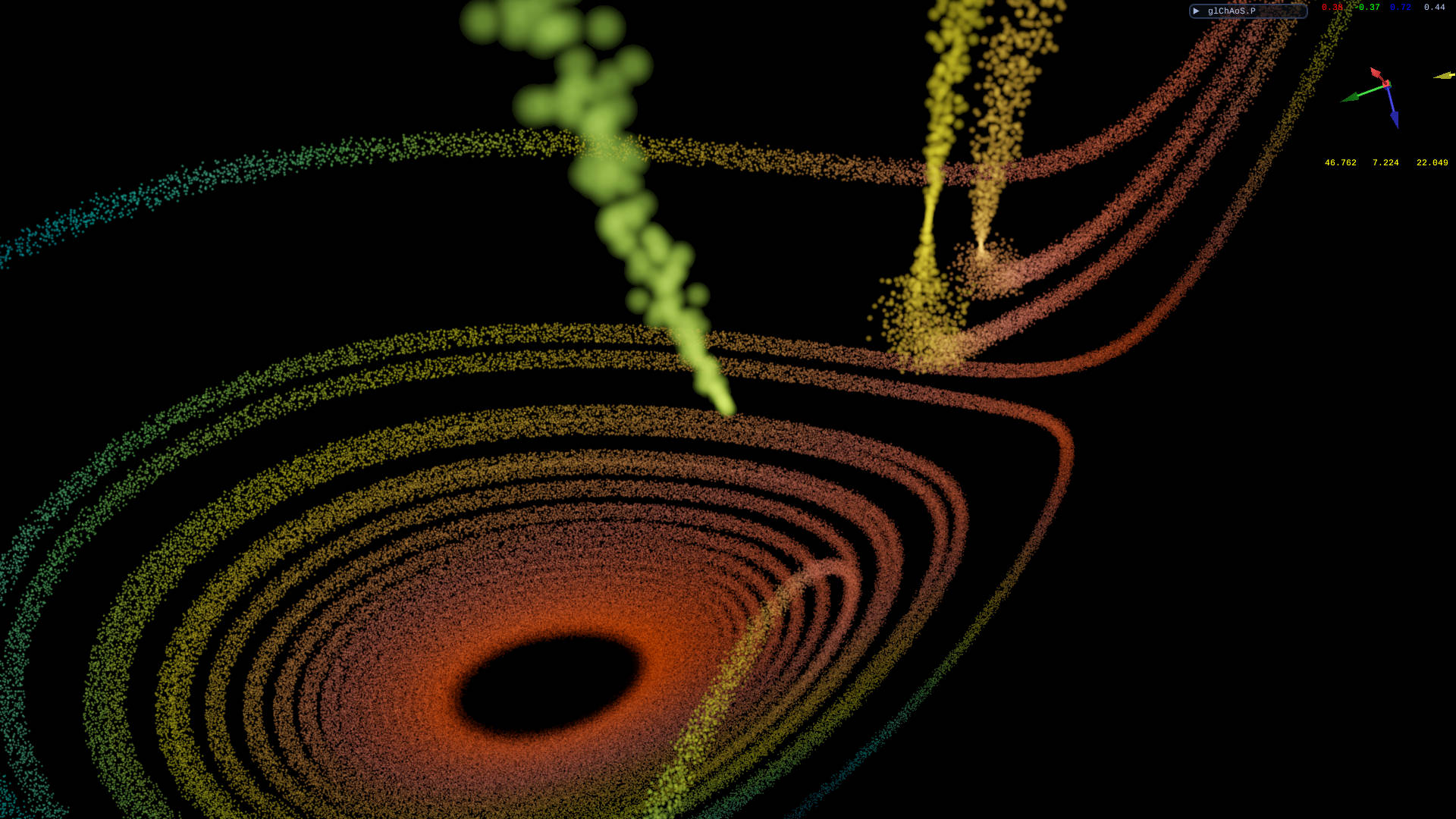
Now all dp/dt attractors (yellow tag) have an additional new emitter type to visualize them in a progressive way and/or with multiDot (spray) effect.\ Is also possible to travel, in first person (cockpit view), within the particles, following the evolution of the attractors.
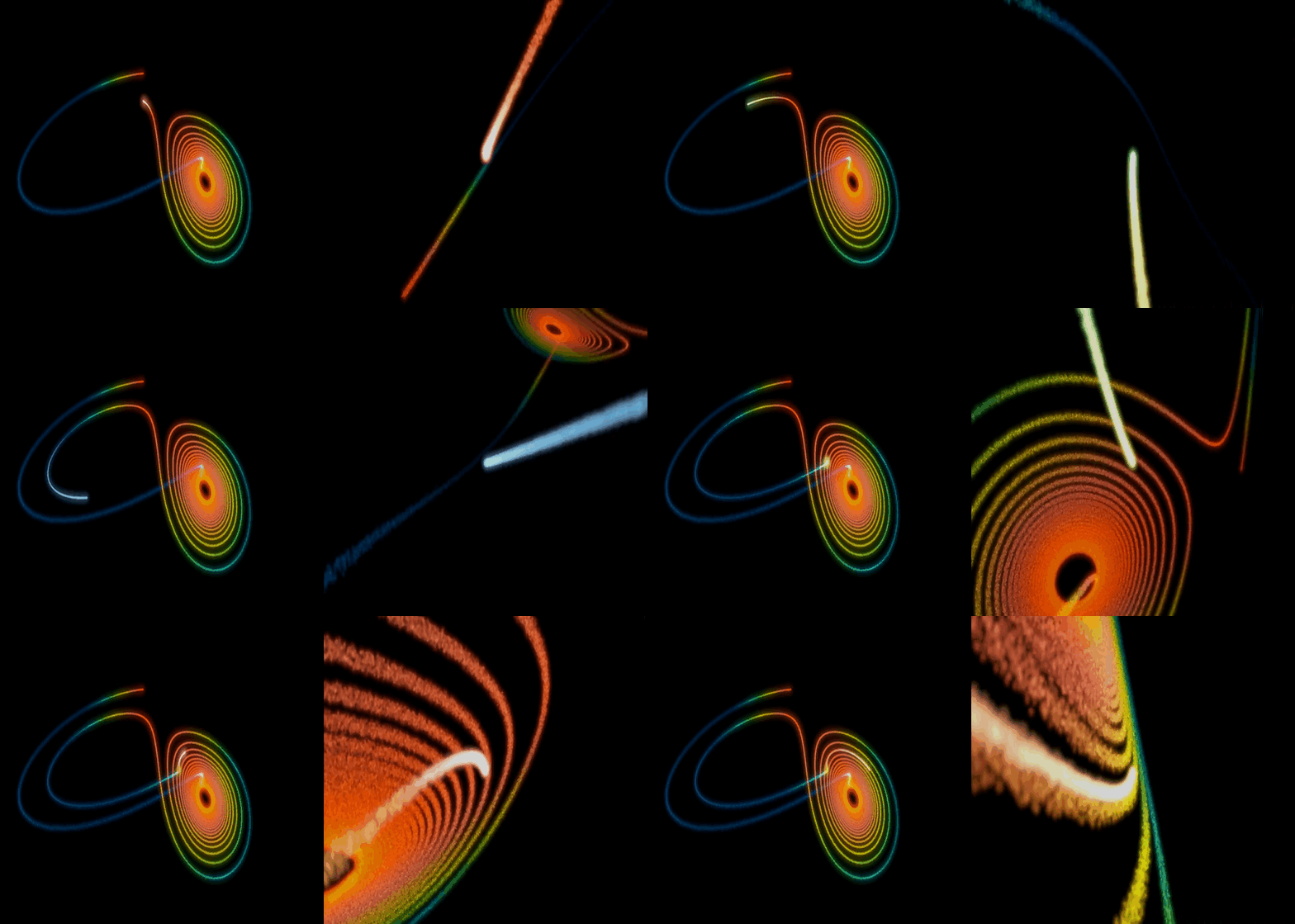
Lorenz Attractor - click on image to "explore" it in WebGL
*use "v" key or "cockpit" button (from Attractors* tools window) to switch to subjective view (on right)

New menu is available to adjust these settings:
1) Panoramic/CockPit dots/s: different emitter speed for any view\
2) Number of dots for each step, real dots/s emitted are: dots/s * Emit#\
3) Multiplication factor of initial radial random speed\
4) Air friction/deceleration\
5) Point size: there are 3 different "pointSize" for: singleDot emitter, multiDot emitter and cockpitView\
6) Particles LifeTime, in sec.\
7) LifeTime attenuation: when the lifeTime ends, in blending mode, the particle attenuates the intensity of this factor, any second\
8) Wind direction and intensity (in units/s)\
9) Gravity/Acceleration direction and intensity (in units/s)\
A) Toggle cockpit view and related settings (following controls)\
B) Smoothing distance: in blending mode attenuates the intensity of near dots by distance\
C) Clipping distance: skip to draw closer particles\
D) PiP (Picture In Picture) feature\
E) TagretView is the current emitted dot, PointOfView is positioned on the wake: it adjusts the distance from head (it follows the attractor direction).\
F) Move back the PoV: it follows the vector PoV -> TGT\
G) Rotate the cam around TagretView, or better: around attractor head (last emitted dot), use reset to reposition the cam\
H) Move forward the TagretView position
Youtube Video
| Simulating a comet's journey in Lorenz attractor | Voyage in Multi-Chua II attractor |
|---|---|
 |
 |
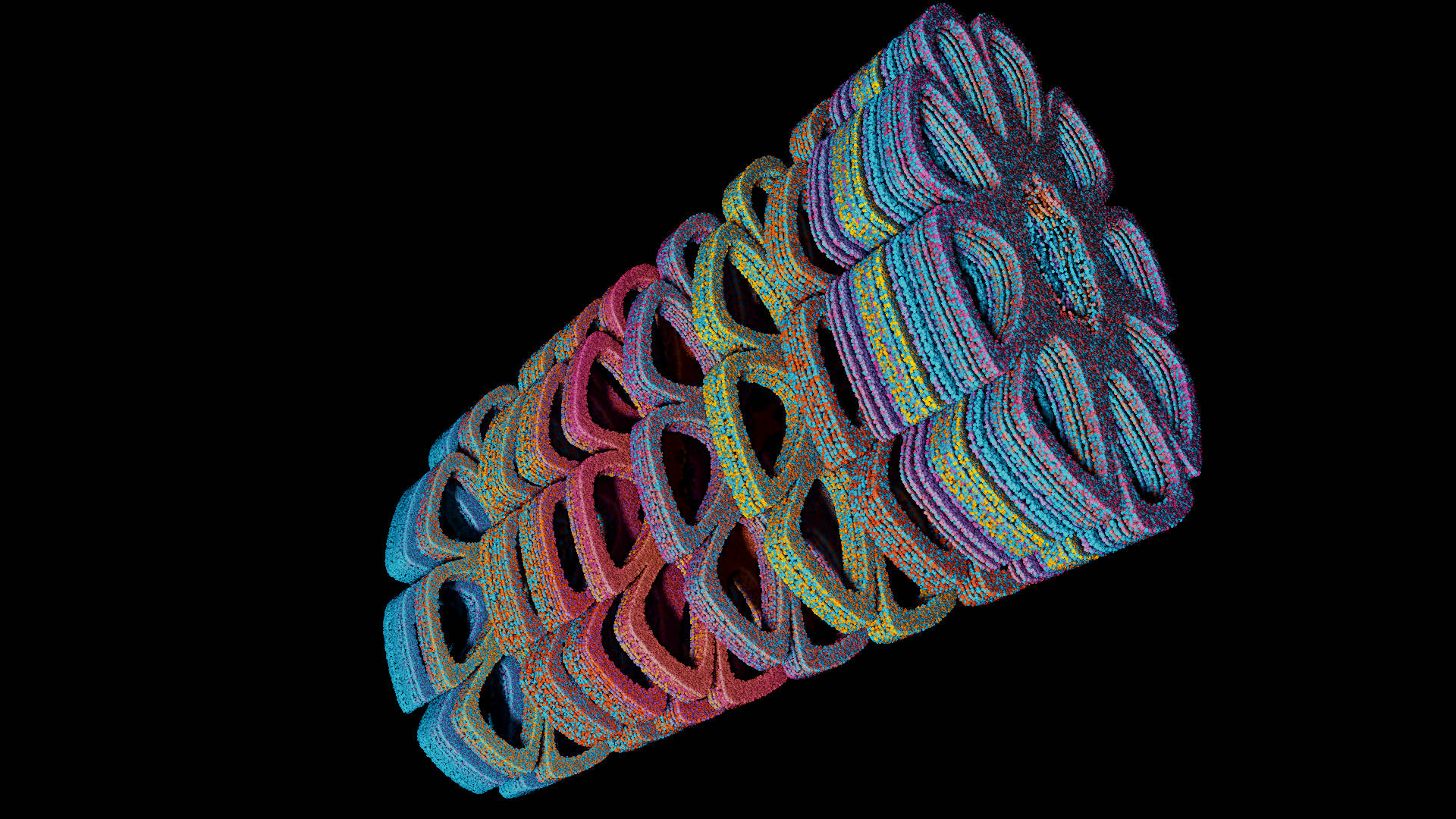
ver.1.4.2 feature: 11 unpublished attractor types: PopCorn, Mira, Hopalong and...
An absolutely personal and original "transformations" in 3D/4D of famous 2D attractors:
| PopCorn, Morrone 4D transf. (ssss) | Martin, Morrone 4D transf. | PopCorn, Morrone 4D transf. (scsc) |
|---|---|---|
 |
 |
 |
| Mira, , Morrone 4D transf. | Mira, Morrone 3D transf. | Hopalong, Morrone 4D transf. |
 |
 |
 |
Full descriptions, math formulas and code in the relative webpage: PopCorn, Mira, Hopalong and...
*now any single attractor is also explorable interactively via WebGL/WebAssembly directly from site.
Particle System rendering features
- 100M of particles in minus of 1.6 GByte of VRAM.. up to 265M (4G VRAM): Slight (dot) Particles
- only a vec4 (4-float) per vertex for position and color
- Rendering: RealTime Surface Reconstruction / Shadows / Ambient Occlusion
- Light Models: Phong / Blinn-Phong / GGX
- Glow effects: Gaussian Blur / bilateral deNoise with threshold / Gaussian + deNoise
- Anti-aliasing: FXAA
- Image adjustment: Bright / Contrast / Gamma / Exposure / ToneMapping
With Billboard and PointSprite techniques
3D DLA (Diffusion Limited Aggregation) - DLA3D Video Example
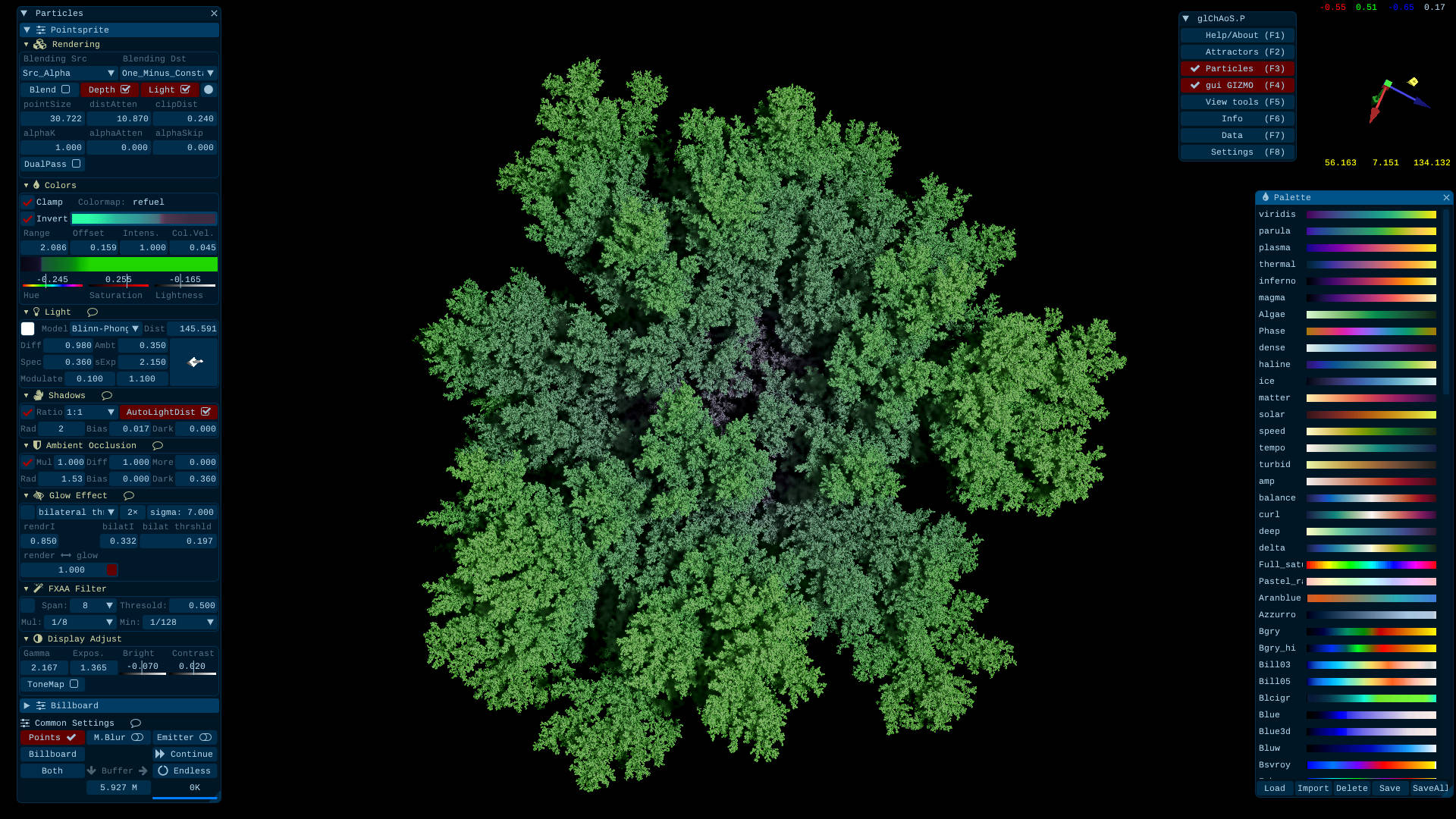 This is an integrated version of more simple my DLAf-optimized repo that I used in glChAoS.P / wglChAoS.P for large-scale DLA3D growth, with possibility to export/import to/from PLY format and to continue a previous rendering.
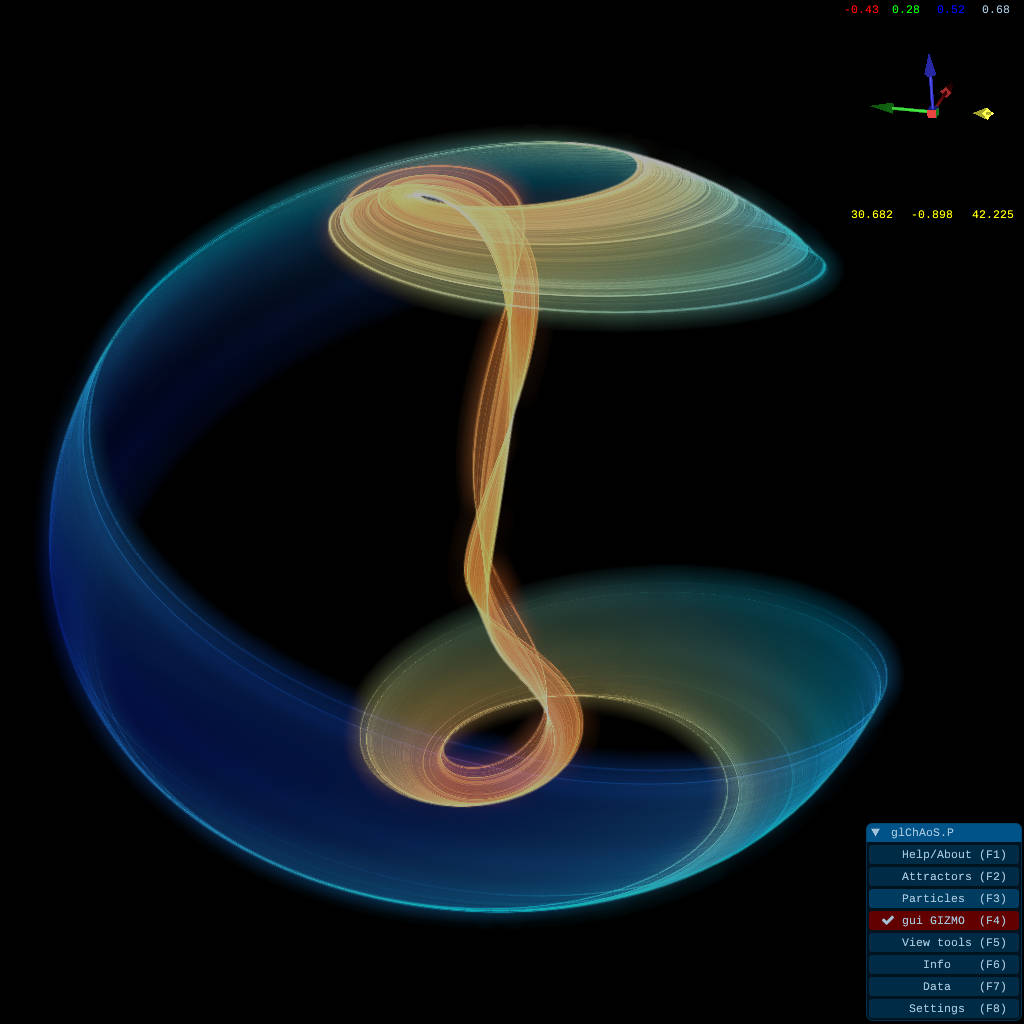
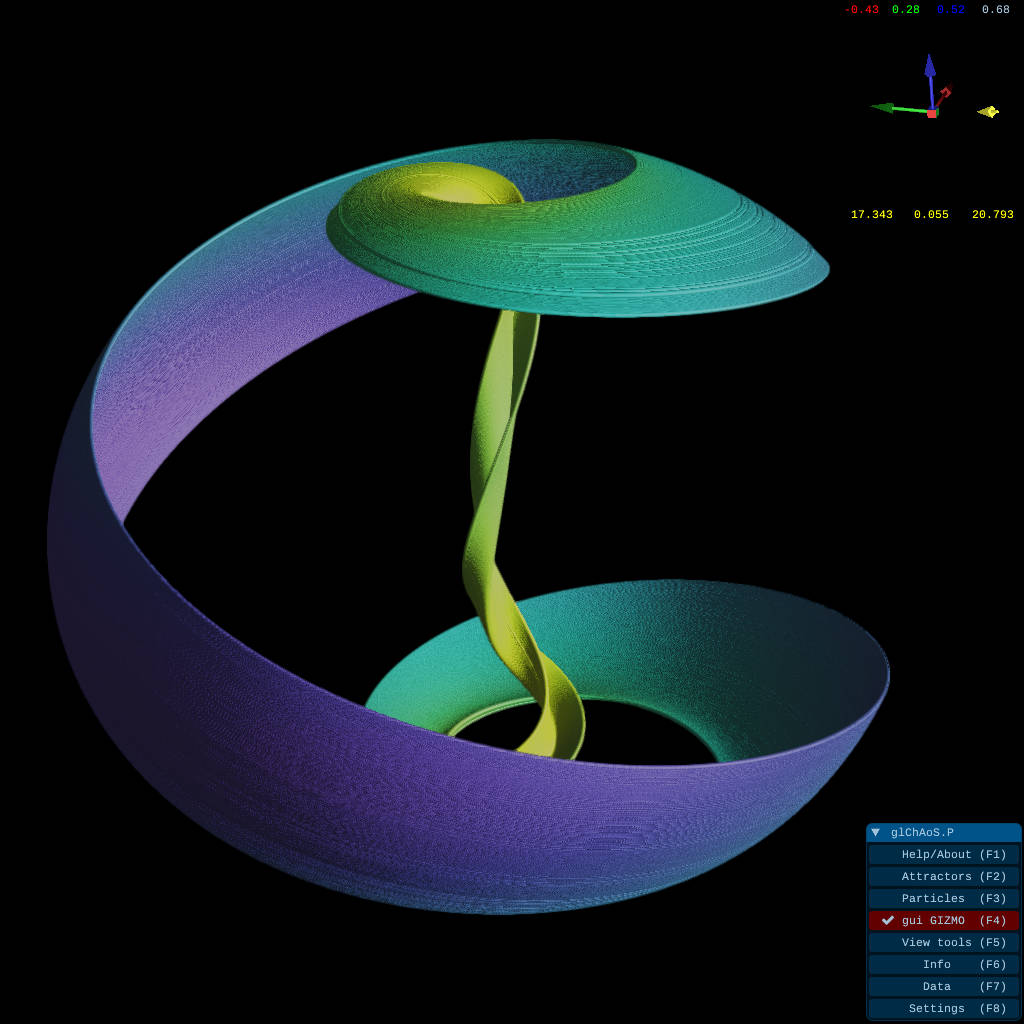
Rendering models with Aizawa attractor - Video Example
| Alpha Blending | Solid Dots |
|---|---|
 |
 |
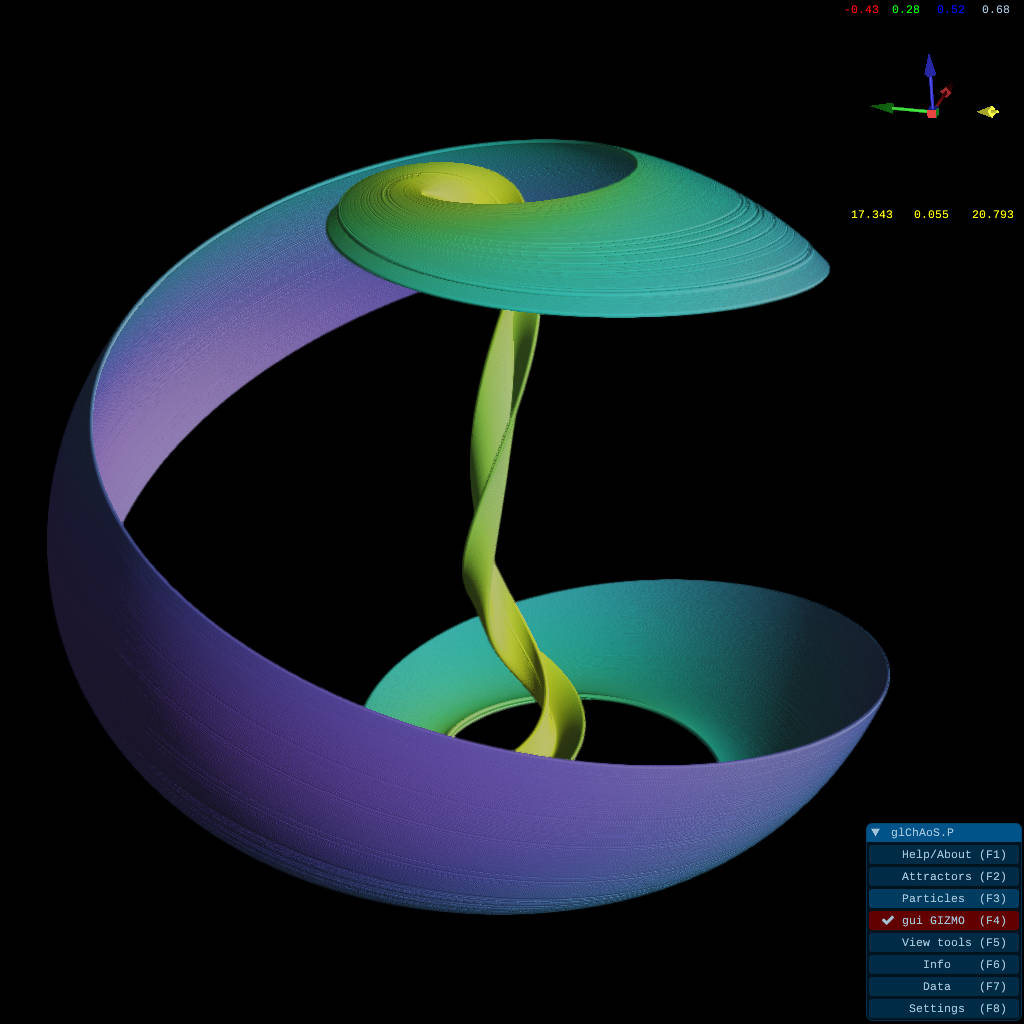
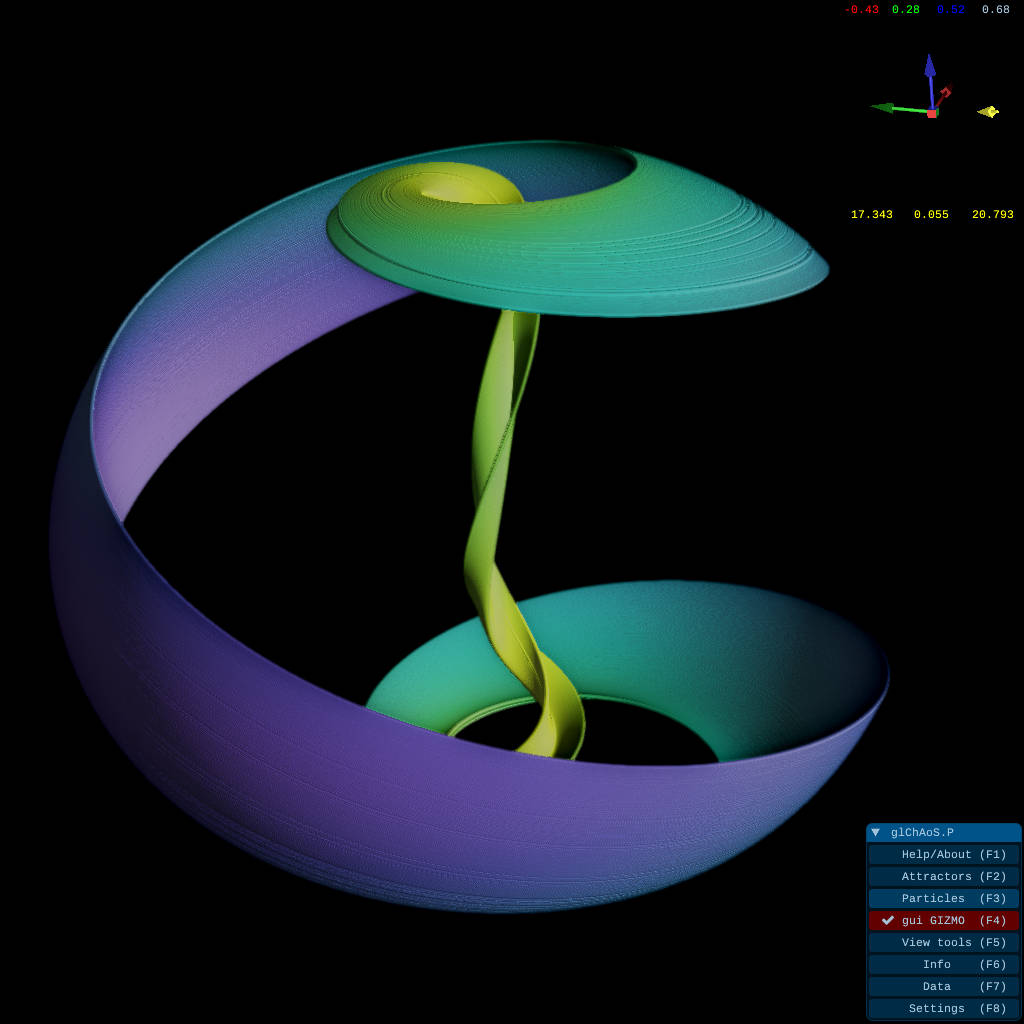
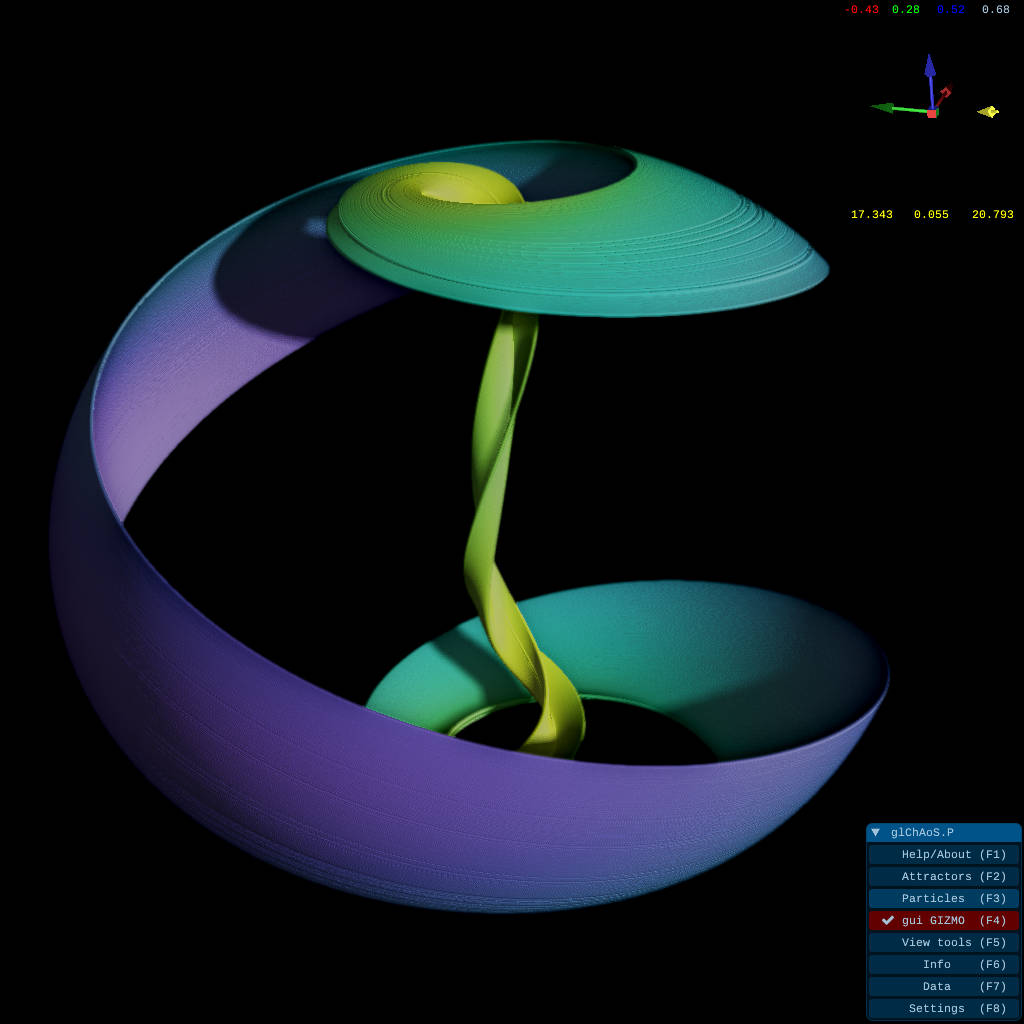
Further rendering engine improvement (from ver. >= 1.3.x) - Rendering Video Example
| DualPass rendering: Z-buffer surface reconstruction | DualPass + Ambient Occlusion |
|---|---|
 |
 |
| DualPass + AO + Shadows | DualPass + AO + Shadows + mixed AlphaBlending |
 |
 |
*features also available in WebGL advanced version
wglChAoS.P - WebGL2 online version

This is a WebGL2 / WebAssembly lightened LIVE / ONLINE version of glChAoSP and Supports touch screen for mobile devices, smartphones and tablets
Go to wglChAoS.P - LIVE / ONLINE starting page
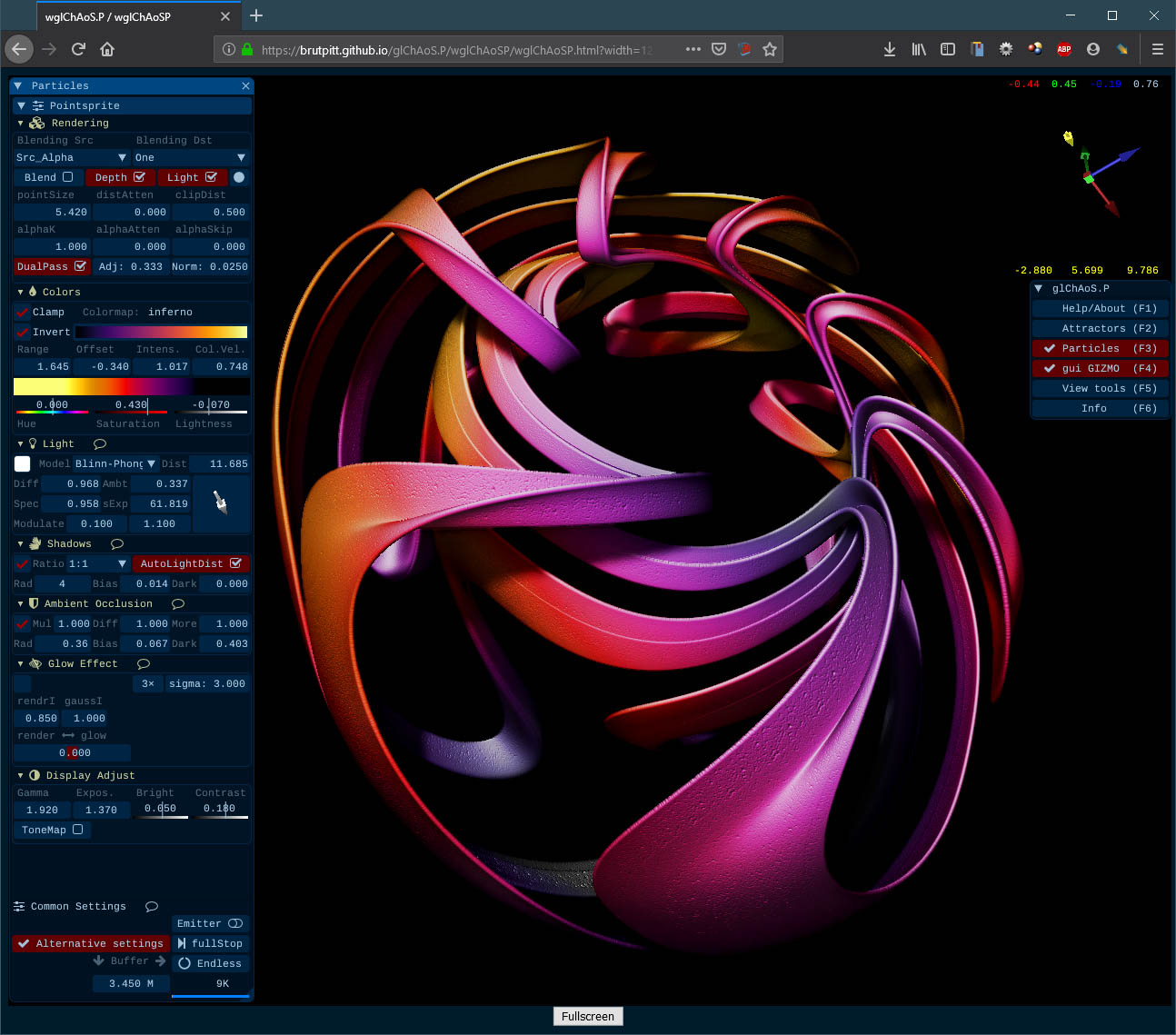
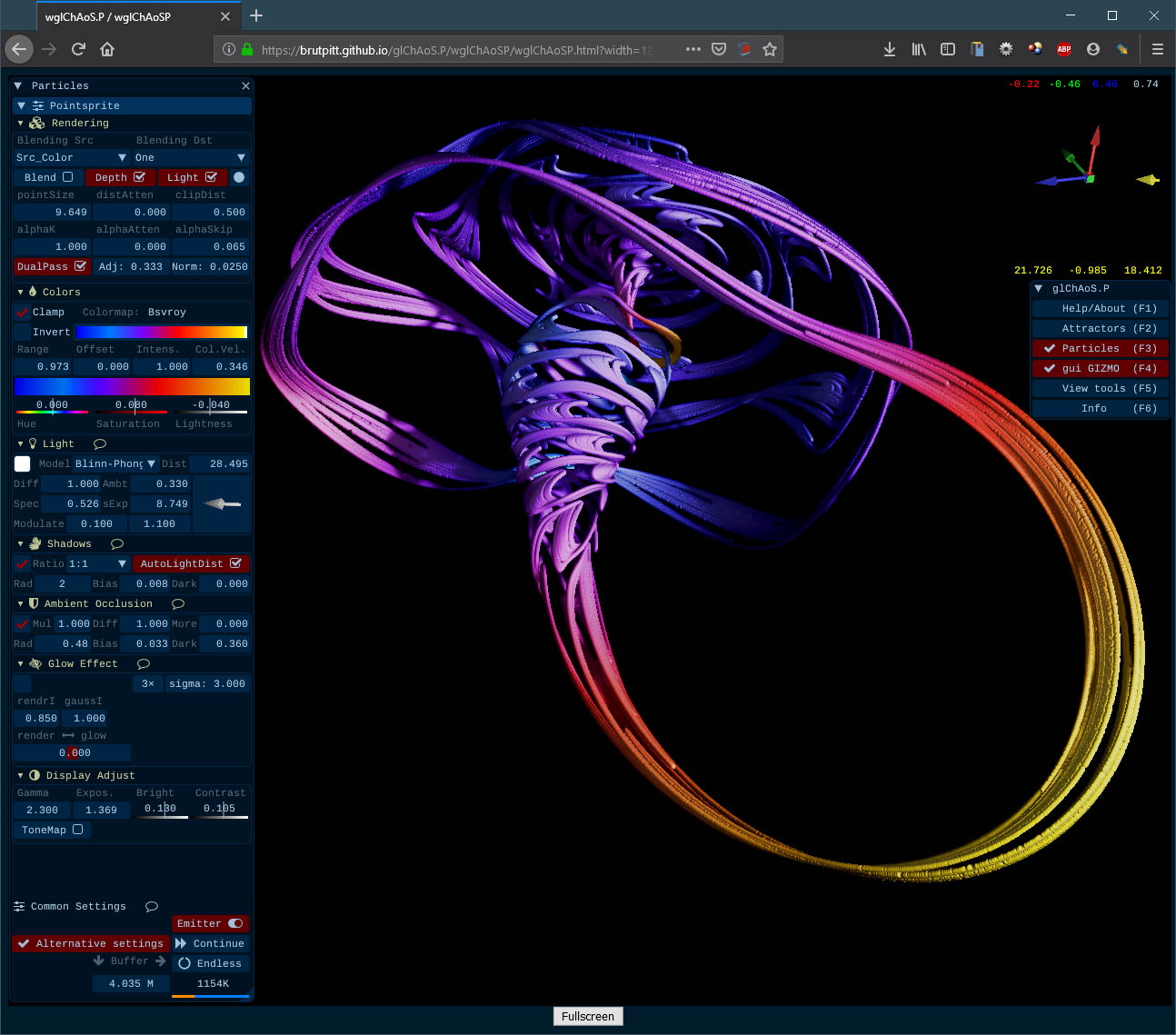
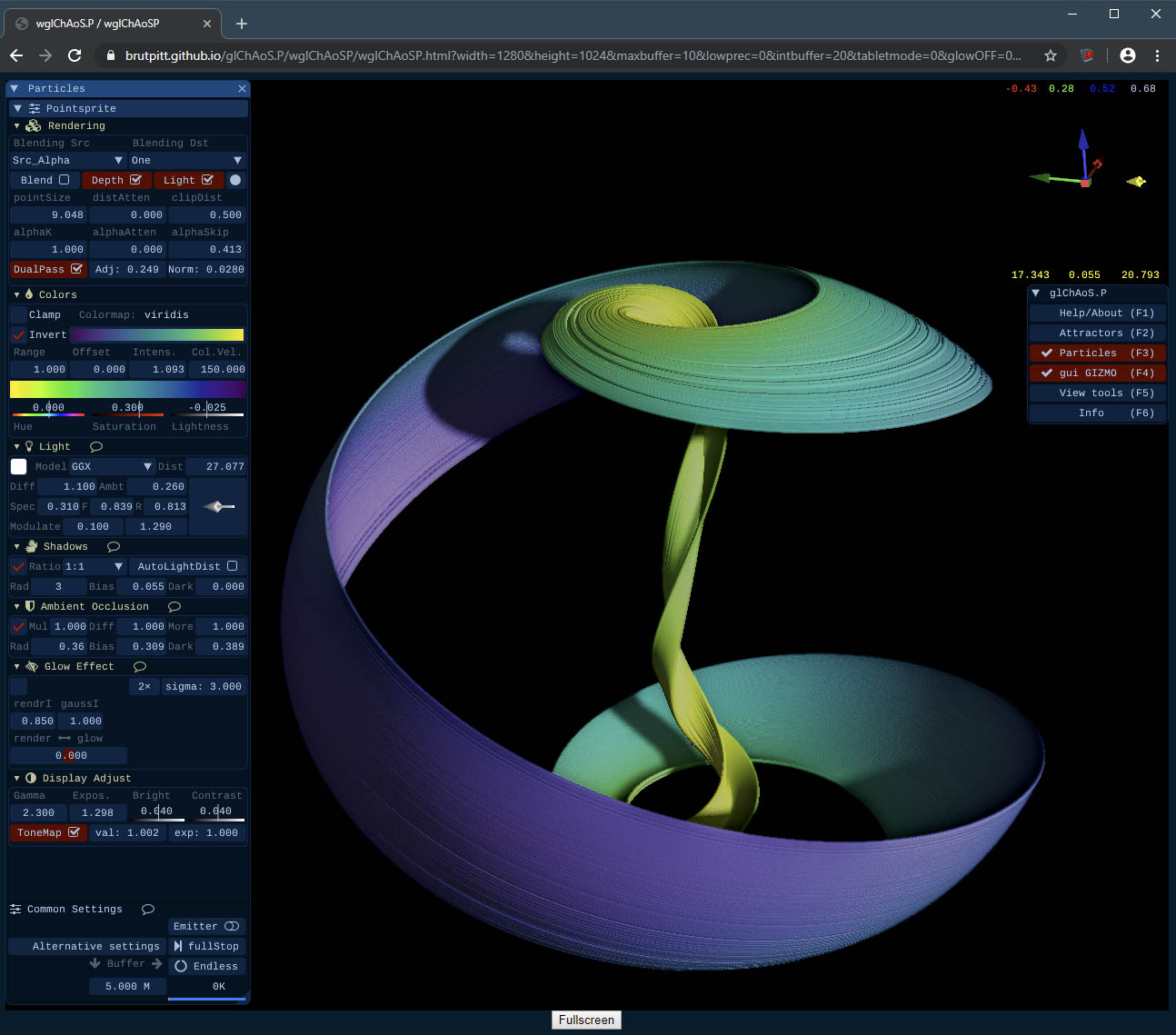
wglChAoS.P Advanced Mode - WebGL2 with new rendering engine
Starting from ver 1.3.2, also WebGL have new rendering engine: dual pass accurate rendering, shadows and ambient occlusion
 |
 |
|---|---|
 |
 |
*Advanced Mode not available/tested still for mobile devices
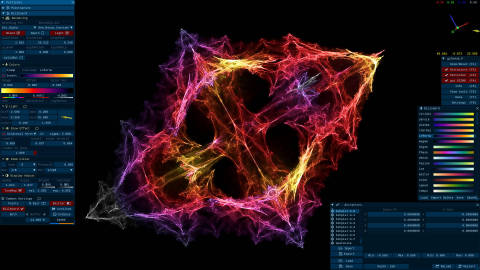
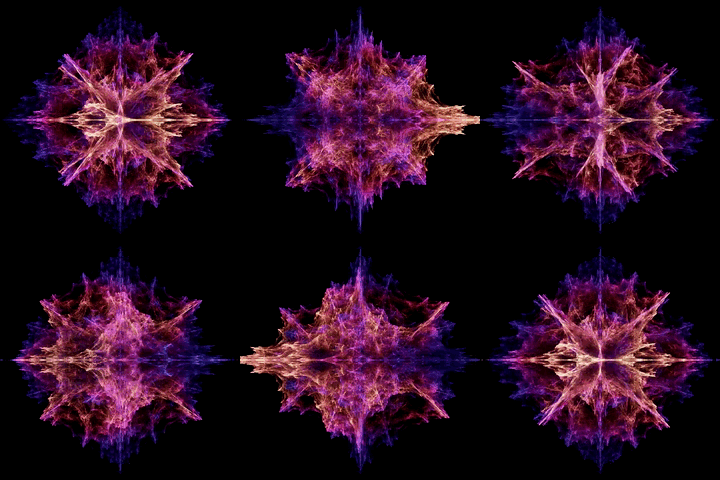
Hypercomplex fractals like attractors - via IIM (Inverse Iterations Method)
| hypercomplex fractals | hypercomplex fractals |
|---|---|
 |
 |
glChAoS.P features
glChAoS.P is a 3D realtime Particle System with some unique features:
- 100M of particles in minus of 1.6 GByte of VRAM.. until 265M (4G VRAM): Slight (dot) Particles
- only 4-float (vec4) per vertex: position and color
- PointSprite and Billboard particles types
- 3D blended/solid/lighted particles
- Single dot or DualPass rendering (surface reconstruction from zBuffer)
- Shadows and AmbientOcclusion
- Light models: Phong / Blinn-Phong / GGX
- Distance attenuation on Size an Alpha channel
- Full customizable colors, with several color palettes
- Customizable glow effects: Gaussian Blur / bilateral deNoise with threshold / Gaussian + deNoise
- Customizable FXAA filter
- Motion blur
- Post processing image correction:
- gamma
- exposure
- brightness
- contrast
- toneMapping / HDR
... and more
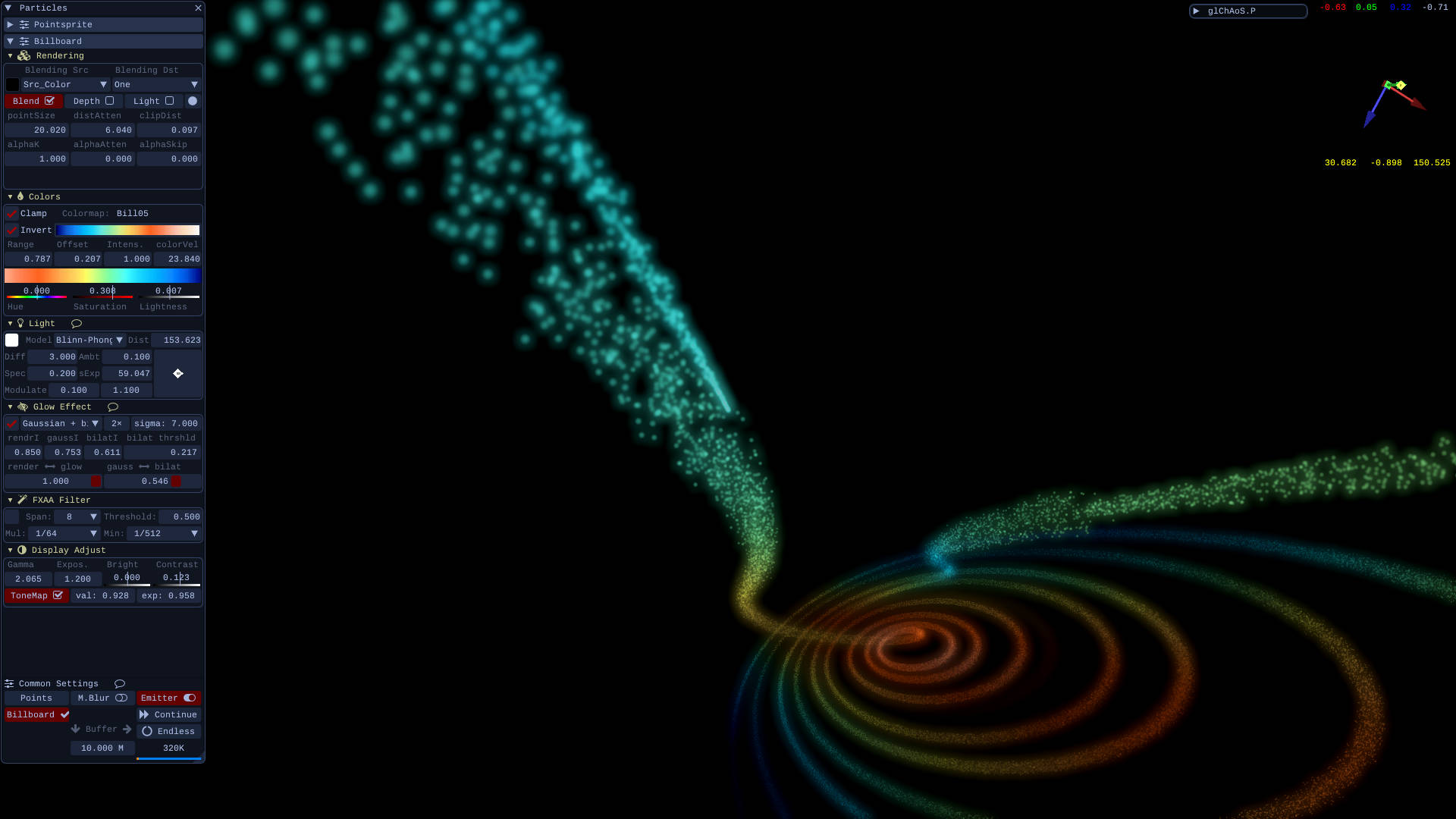
For more usage info: glChAoS.P info
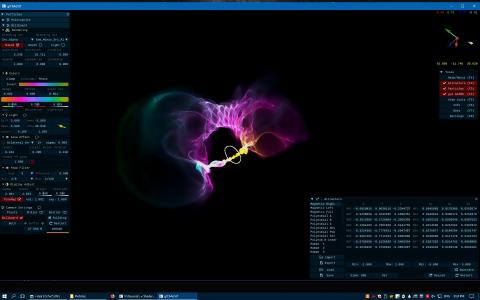
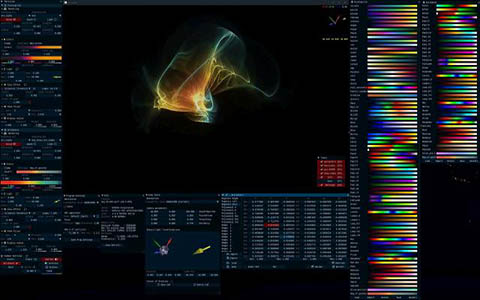
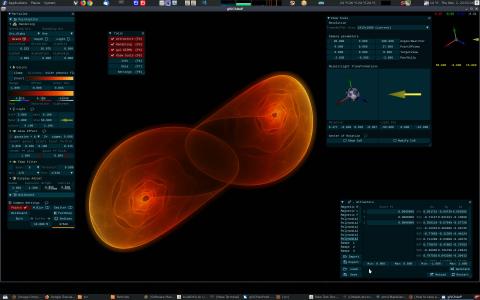
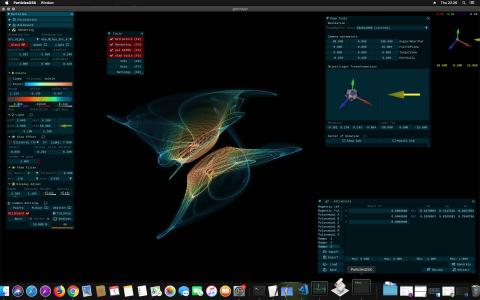
Some screenshots from different operating systems
| Windows | Windows Viewports |
|---|---|
 |
 |
| Linux | Mac OS X |
 |
 |
Hardware required:
- glChAoS.P - GPU with OpenGL 4.1 or higher
- wglChAoS.P - Browser with WebGL2 capabilities (FireFox, Chrome or Chromium based browsers)
Theoretically all graphics card that supports OpenGL 4.0 supports also OpenGL 4.5, depends only from drivers (and O.S.)
About the GPUs that support the OpenGL 4.5 (with appropriate drivers and OS permitting): - NVidia starting from GT/GTX 4xx series - AMD starting from HD 5xxx series - Intel starting from Ivy Bridge/Bay Trail CPUs (with HD 4000/2500 graphics)
Hardware recommended:
- GPU starting from AMD HD 7970 / NVidia GTX 670 or with better performance
- CPU with 2 or more cores
About performance
Glow effects, mostly with sigma > 5, and DualPass/Shadows/AO requires expensive calculations in terms of performance
If you have slow performance try, in this order: - Disable DualPass rendering and/or AO and/or Shadows - Disable GlowEffects and/or FXAA - Prefer Pointsprite: on AMD and Intel GPU (sensible differ
Core symbols most depended-on inside this repo
Shape
Languages
Modules by API surface
For agents
$ claude mcp add glChAoS.P \
  -- python -m otcore.mcp_server <graph>