github.com/Barre/privaxy @v0.5.2
Chat with this repoWhat it actually does AI analysis from the code graph — generated when you open this
README

Privaxy
<strong>Next generation tracker and advertisement blocker</strong>




About
Privaxy is a MITM HTTP(s) proxy that sits in between HTTP(s) talking applications, such as a web browser and HTTP servers, such as those serving websites.
By establishing a two-way tunnel between both ends, Privaxy is able to block network requests based on URL patterns and to inject scripts as well as styles into HTML documents.
Operating at a lower level, Privaxy is both more efficient as well as more streamlined than browser add-on-based blockers. A single instance of Privaxy on a small virtual machine, server or even, on the same computer as the traffic is originating from, can filter thousands of requests per second while requiring a very small amount of memory.
Privaxy is not limited by the browser’s APIs and can operate with any HTTP traffic, not only the traffic flowing from web browsers.
Privaxy is also way more capable than DNS-based blockers as it is able to operate directly on URLs and to inject resources into web pages.
Features
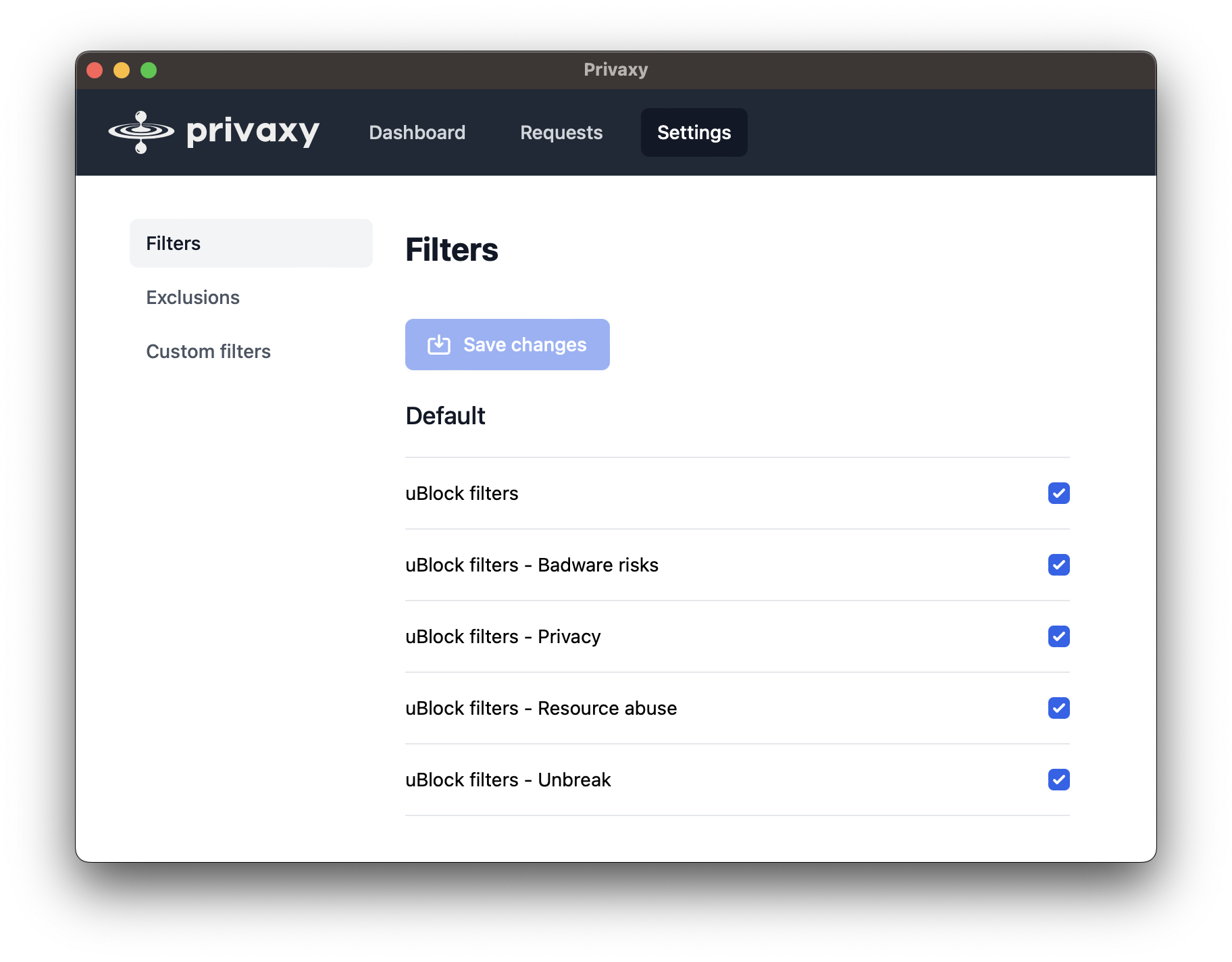
- Suppport for Adblock Plus filters, such as easylist.
- Web graphical user interface with a statistics display as well as a live request explorer.
- Support for uBlock origin's
jssyntax. - Support for uBlock origin's
redirectsyntax. - Support for uBlock origin's scriptlets.
- Browser and HTTP client agnostic.
- Support for custom filters.
- Support for excluding hosts from the MITM pipeline.
- Support for protocol upgrades, such as with websockets.
- Automatic filter lists updates.
- Very low resource usage.
- Around 50MB of memory with approximately 320 000 filters enabled.
- Able to filter thousands of requests per second on a small machine.
Installation
Using a pre-built binary
Pre-built binaries for major operating systems and platforms are provided at github releases.
Local system configuration
- Go to the GUI, click on "Save CA certificate".
- Install the downloaded certificate locally.
- Macos: https://support.apple.com/guide/keychain-access/add-certificates-to-a-keychain-kyca2431/mac
- Linux:
cp privaxy_ca_certificate.pem /usr/local/share/ca-certificates/
- Configure your local system to pass http traffic through privaxy which listens on localhost:8100.
- Macos: https://support.apple.com/guide/mac-help/change-proxy-settings-network-preferences-mac-mchlp2591/mac
- Ubuntu (gnome): https://phoenixnap.com/kb/ubuntu-proxy-settings
Core symbols most depended-on inside this repo
getShape
Languages
Modules by API surface
For agents
$ claude mcp add privaxy \
  -- python -m otcore.mcp_server <graph>