github.com/88250/pipe @v2.1.0
Chat with this repoWhat it actually does AI analysis from the code graph — generated when you open this
README

Small and beautiful blogging platform, built for the future
















💡 Introduction
Pipe is a small and beautiful open source blog platform designed for programmers. Pipe has a very active community, which can push articles as posts to the community, and replies from the community will be linked as blog comments (for details, please visit B3log Ideas - Distributed Community Network).
This is a brand new online community experience, so that you who love recording and sharing no longer feel lonely!
Welcome to Pipe Official Discussion Forum to learn more.
🗃 Showcases
- http://vanessa.b3log.org
- http://blog.bhusk.com
- https://www.zorkelvll.cn
- http://o0o.pub
- http://blog.gitor.org
✨ Features
- Multi-user blog platform
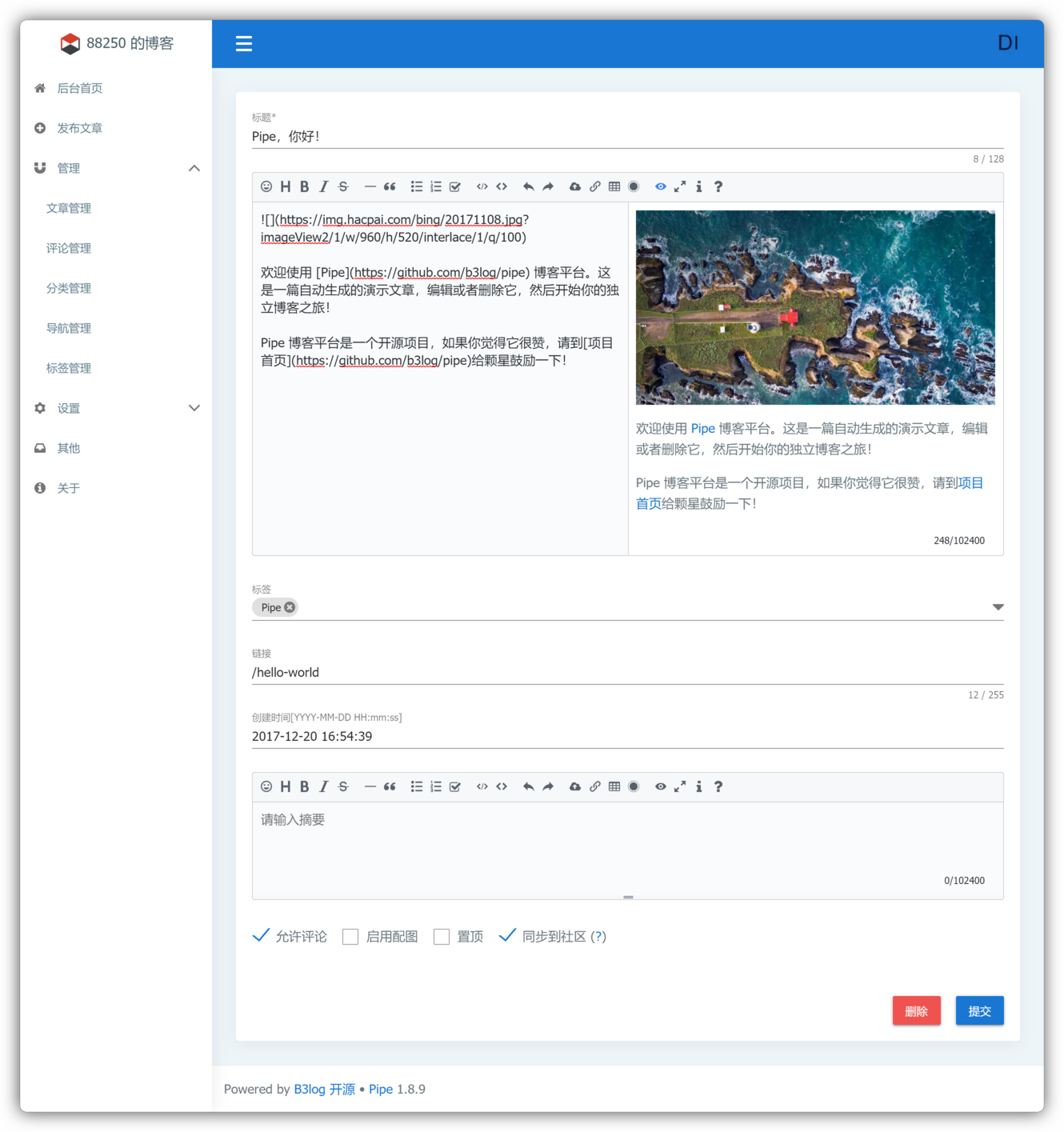
- Markdown editor supports three editing modes: WYSIWYG/Instant Rendering/Split View
- Tag aggregation classification
- Custom navigation links
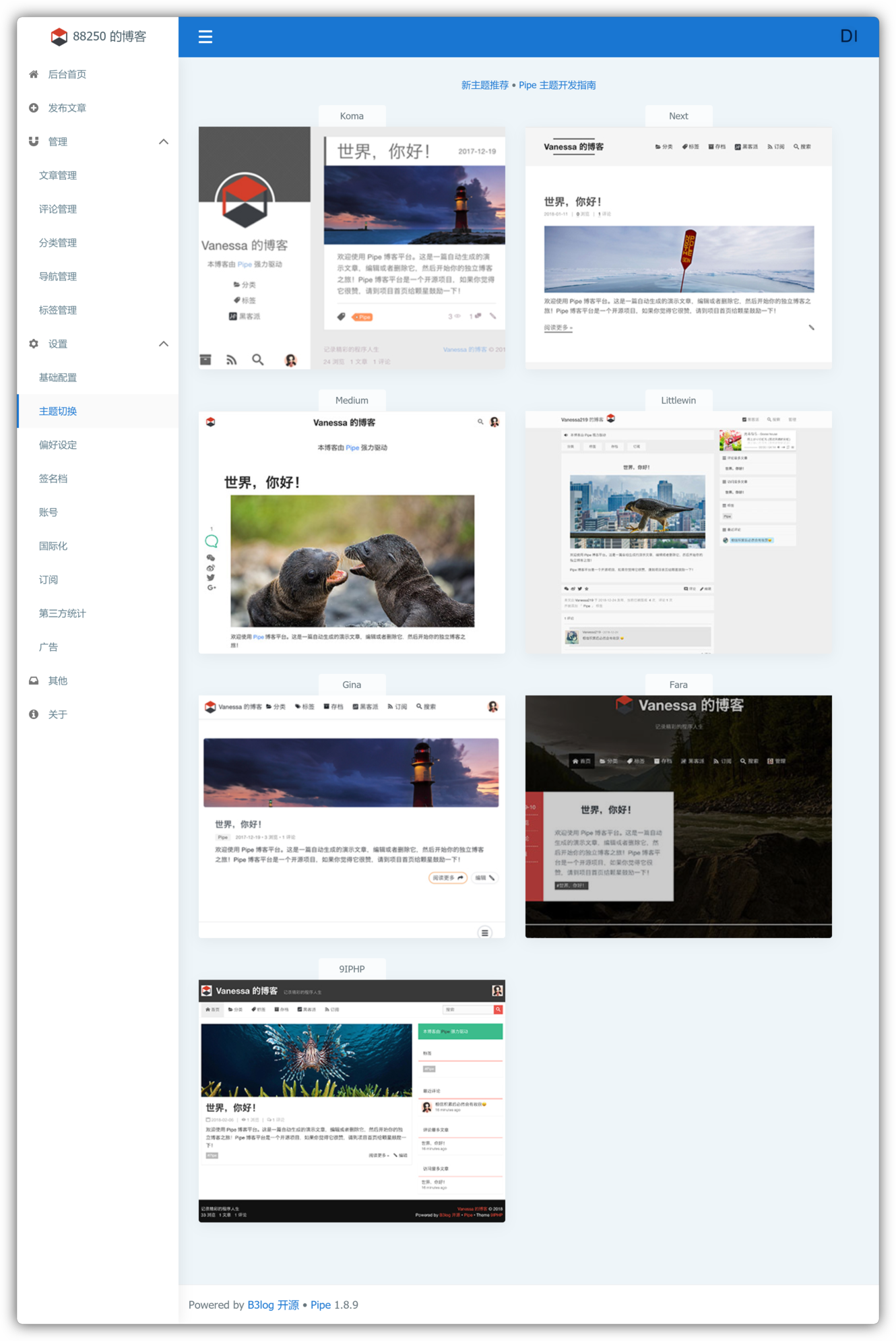
- Multiple themes / multiple languages
- Atom / RSS / Sitemap
- Article search
- Hexo/Jekyll import / export
- CDN static resource separation
- Support SQLite / MySQL / PostgreSQL
🎨 Screenshots
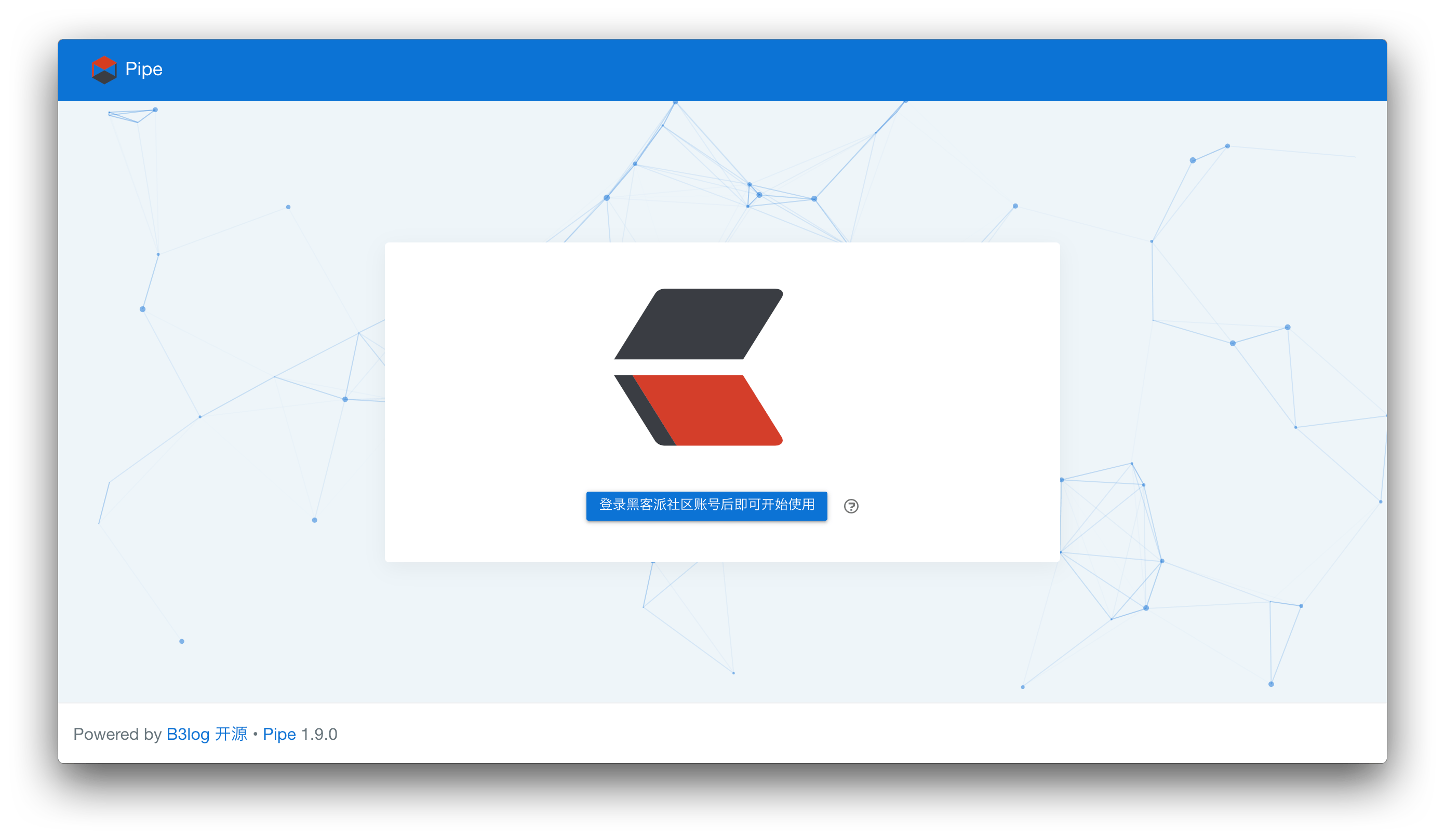
Start
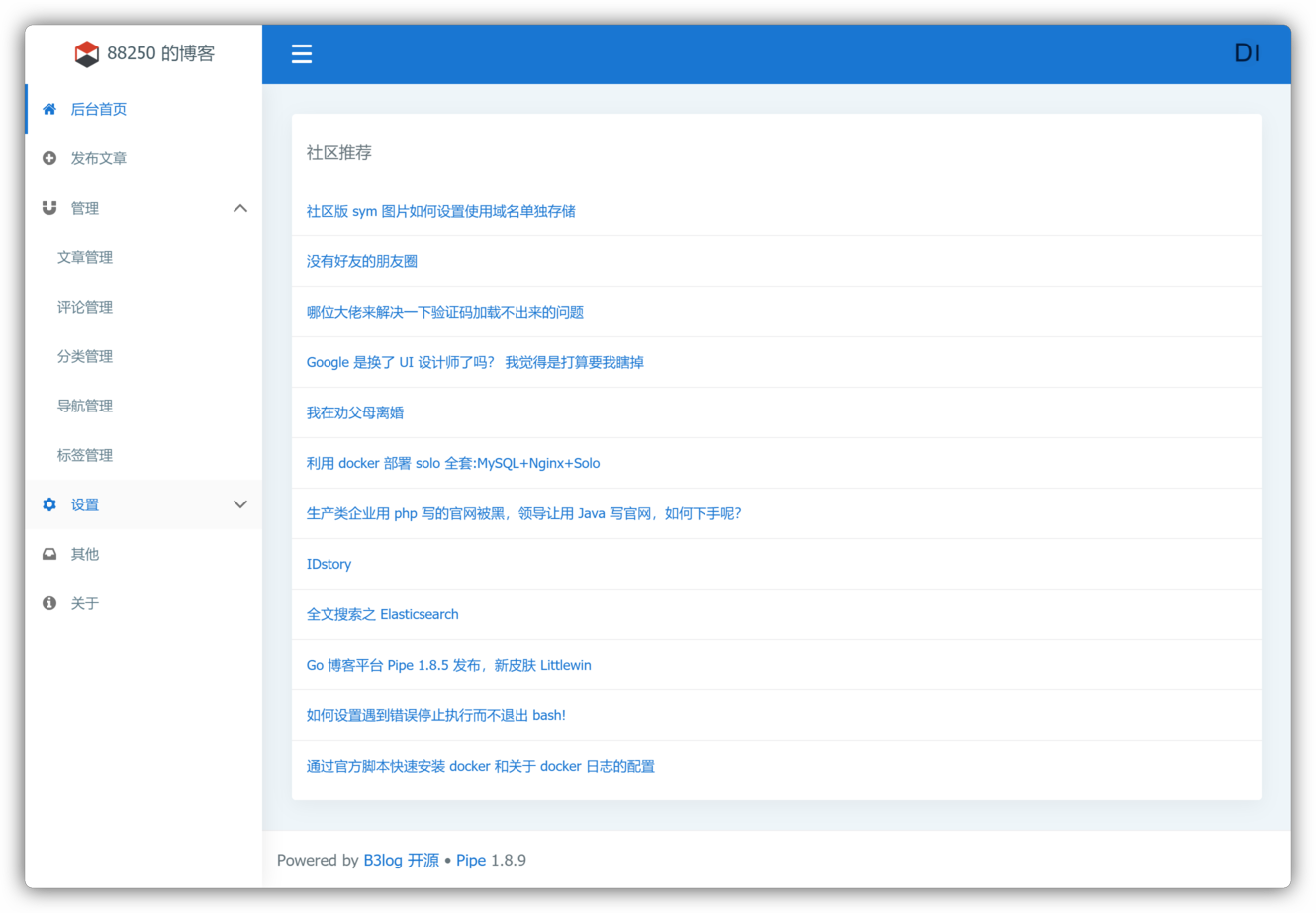
Console
Post
Theme
Theme Gina

🛠️ Setup
Pipe only supports deployment via Docker. If you need to build from source, please refer to here.
Docker deploy
Get the latest image:
docker pull b3log/pipe
- Use MySQL
First create database schema manually (schema name
pipe, character set useutf8mb4, sorting ruleutf8mb4_general_ci), and then start the container:
shell
  docker run --detach --name pipe --network=host \
      b3log/pipe --mysql="root:123456@(127.0.0.1:3306)/pipe?charset=utf8mb4&parseTime=True&loc=Local&timeout=1s" --runtime_mode=prod --port=5897 --server=http://localhost:5897
For simplicity, the host network mode is used to connect to MySQL on the host. * Use SQLite
shell
  docker run --detach --name pipe --volume ~/pipe.db:/opt/pipe/pipe.db --publish 5897:5897 \
      b3log/pipe --sqlite="/opt/pipe/pipe.db" --runtime_mode=prod --port=5897 --server=http://localhost:5897
Start command line arguments description:
--port: process listen port--server: the URL for the final visiting
The description of the complete startup arguments can be viewed using -h.
Docker upgrade
- Pull the latest image
- Restart the container
You can refer to here to write a restart script and run it through crontab every morning to achieve automatic update.
NGINX reverse proxy
upstream pipe {
    server localhost:5897;
}

server {
    listen 80;
    server_name pipe.b3log.org; # blog domain

    location / {
        proxy_pass http://pipe$request_uri;
        proxy_set_header  Host $host:$server_port;
        proxy_set_header  X-Real-IP  $remote_addr;
        client_max_body_size  10m;
    }
}
In addition, you can refer to https://ld246.com/article/1517474627971 for configuration.
📜 Documentation
🏘️ Community
📄 License
Pipe uses the Mulan Permissive Software License, Version 2 open source license.
🙏 Acknowledgement
- jQuery: A JavaScript tool library for theme pages
- Vue.js: A progressive, incrementally-adoptable JavaScript framework
- Nuxt.js: The Vue.js Framework
- Vuetify: Material Component Framework for Vue
- Vditor: An In-browser Markdown editor
- Gin: A HTTP web framework written in Go
- GORM: The fantastic ORM library for Golang
- SQLite: The most used database engine in the world
- GCache: Cache library for golang
- Gulu: Go commons utilities
- Lute: A structured Markdown engine that supports Go and JavaScript