github.com/018/zotero-excalidraw @v1.1
Chat with this repoWhat it actually does AI analysis from the code graph — generated when you open this
README



English | 简体中文
Introduction
zotero-excalidraw is excalidraw zotero integrates excalidraw (https://github.com/excalidraw/excalidraw), which provides a whiteboard let you create.
Video
Getting started
-
Step 1, download the latest version zotero-excalidraw: Download;
-
Step 2: Zotero - Tools - Add-ons - ⚙️ - Install Add-on From File... , select the plug-in xpi file;
-
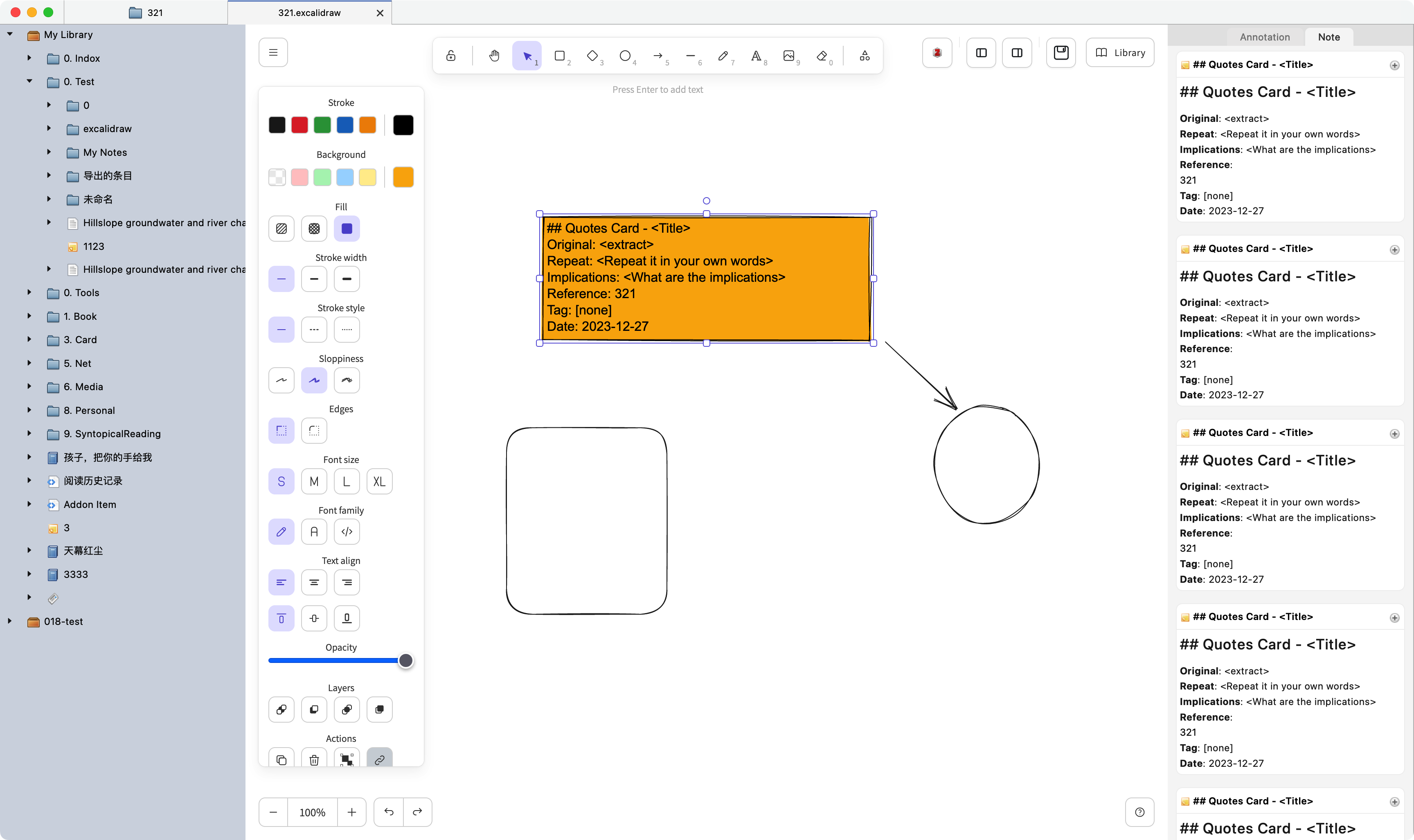
Step 3: right-click in the item - Excalidraw, you can open the Excalidraw canvas, to create.
Features
- To fully support Excalidraw, specific please read Excalidraw official document, it also provides online version: https://excalidraw.com.
-
The right side shows selected notes and notes for quick addition.
-
On the left side, a category tree is displayed to quickly add entries, notes, and comments to the canvas.
-
Export text, PNG, SVG.
Advanced
-
Support excalidraw library, please visit: https://libraries.excalidraw.com.
-
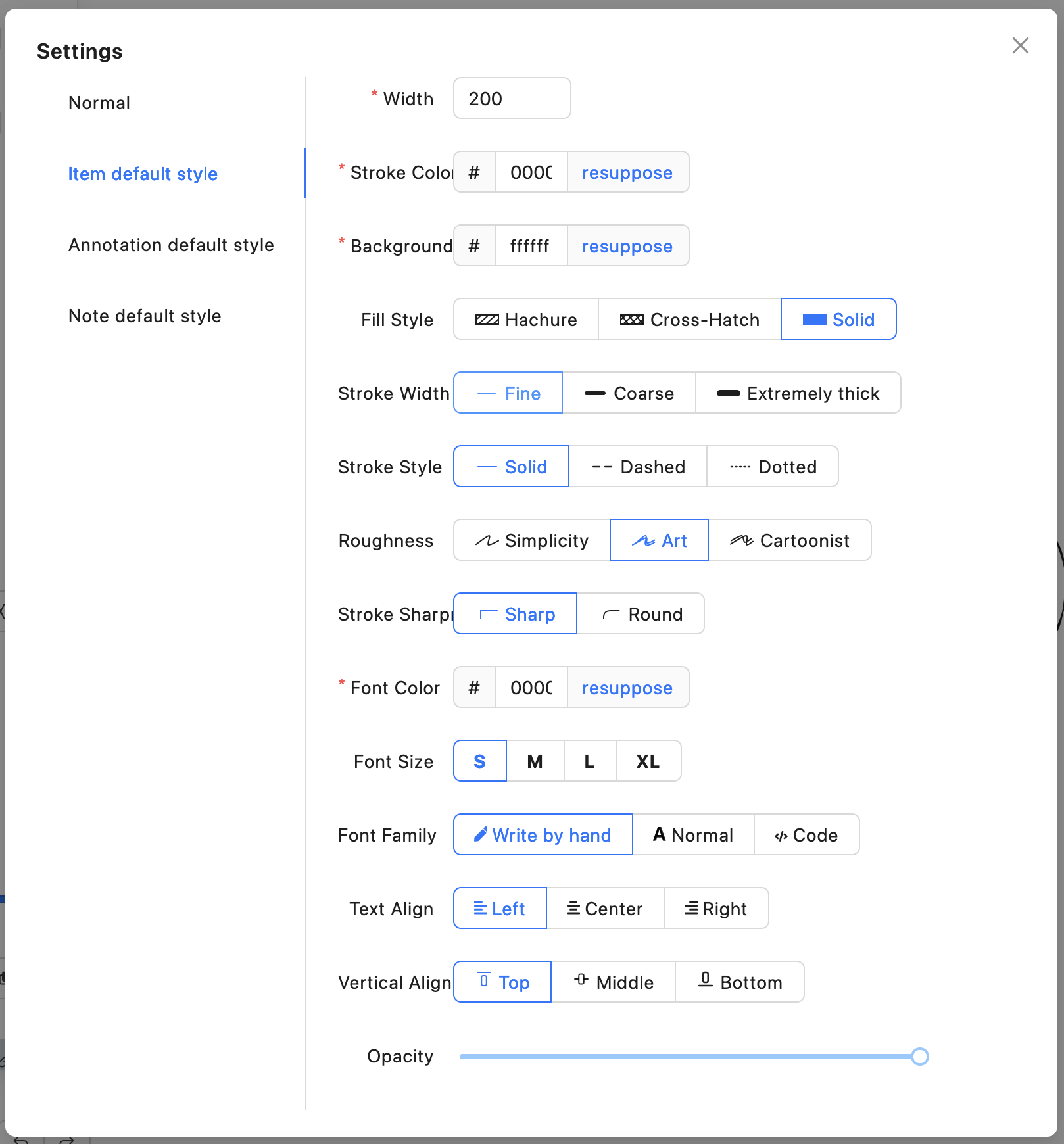
Supports changing the default style of entries, notes, and comments.
Donate

OR

License
Copyright (c) 2020-2024 018
Core symbols most depended-on inside this repo
Shape
Languages
Modules by API surface
For agents
$ claude mcp add zotero-excalidraw \
  -- python -m otcore.mcp_server <graph>