github.com/Necriso/ScriptableWidgets @main
Chat with this repoWhat it actually does AI analysis from the code graph — generated when you open this
README
Scriptable Widgets
Get more widgets at www.scriptables.net
Tankstellen Preise
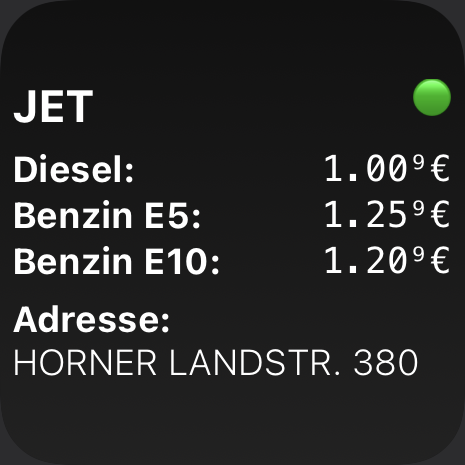
- Shows fuel prices, address and station is open or closed from a gas station next to your location
- You need an API-Key from https://creativecommons.tankerkoenig.de/
Configuration
Configure the widget via widget parameters.
Standard use
On Homescreen, long tap on widget -> edit widget -> Parameter
Add your credentials as follow:
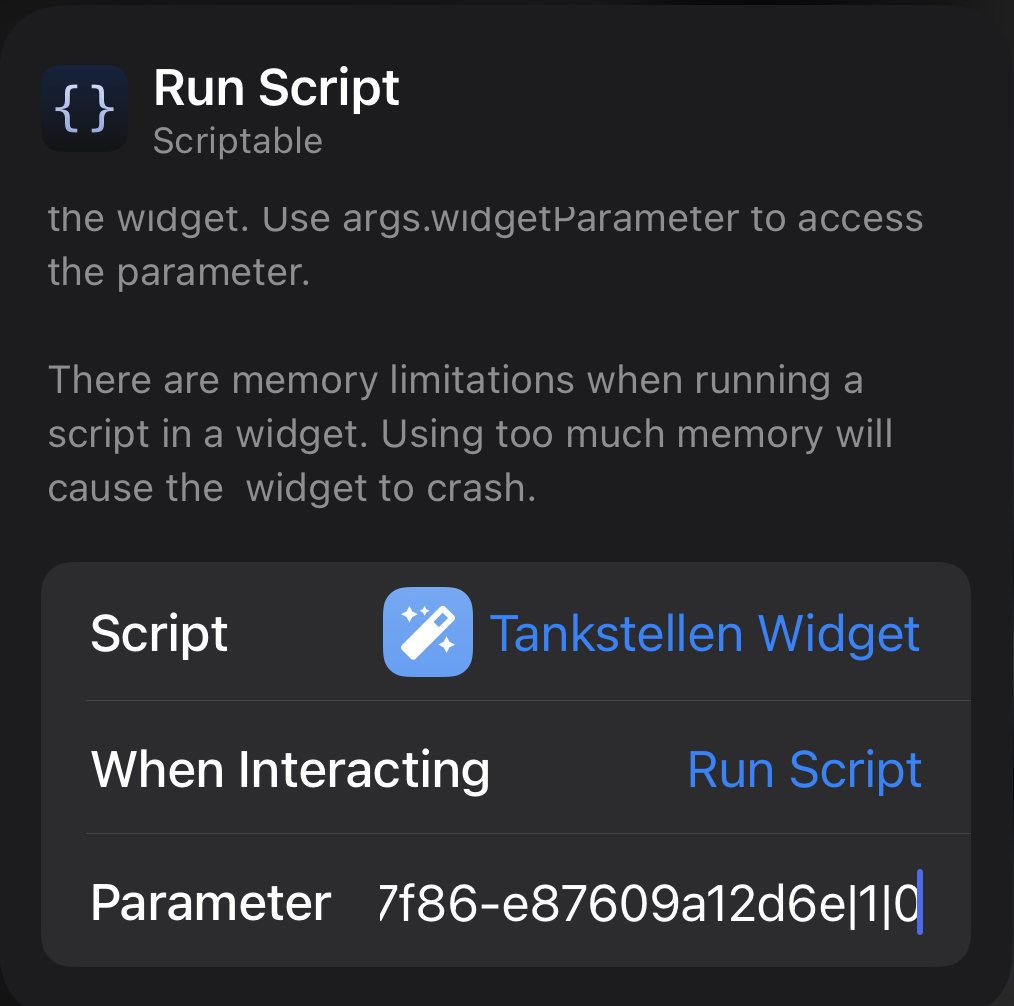
API-Key|Radius|fixedLocation (0 or 1)
Example: my-api-key|1|0
Fixed location
If you want a fixed location change the configuration to this:
API-Key|Radius|fixedLocation|latitude|longitude
Example: my-api-key|1|1|54.322|10.1355
Specify favorite station brand
If you want to display only a specific station in choosen radius change the configuration to this:
API-Key|Radius|fixedLocation|latitude|longitude|brand
Example: my-api-key|1|0|0|0|aral
or
Example: my-api-key|1|0|0|0|shell
It can be that you need to set a greater radius e.g. 2 or 3 to find a station.
Warning
Tankerkoenig.de blocks your IP for rest of the day if API is used excessive.
Configuration example:
Günstigste Tankstelle (DE/AT)
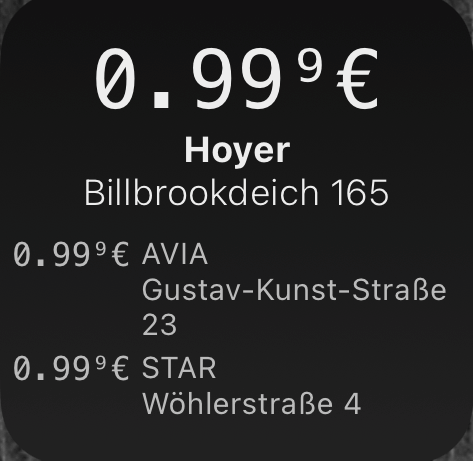
- Shows open gas stations next to your location with the cheapest price of selected oil type first.
German Version - You need an API-Key from https://creativecommons.tankerkoenig.de/
Configuration
Configure the widget via widget parameters.
On Homescreen, long tap on widget -> edit widget -> Parameter
Add your credentials as follow:
API-Key|Radius|fuelType
Example: my-api-key|1|diesel
Supported fuel types are: - diesel - e5 - e10
Austria Version
Configuration
Configure the widget via widget parameters.
On Homescreen, long tap on widget -> edit widget -> Parameter
Add your credentials as follow:
fuelType
Example: DIE
Supported fuel types are: - DIE - SUP - GAS
OpenWebIf (beta)
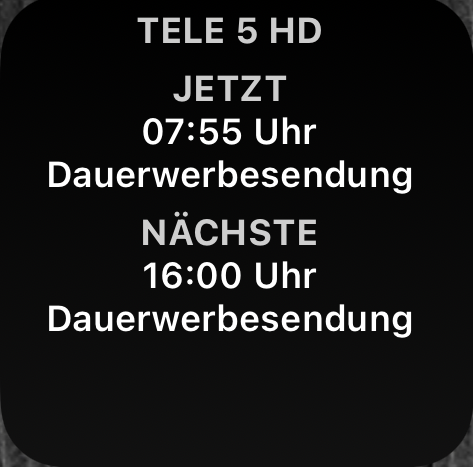
- Connects to OpenWebIf API of your Enigma2 receiver
- Displays current and next program of current viewed channel
Core symbols most depended-on inside this repo
formatValueShape
Languages
Modules by API surface
For agents
$ claude mcp add ScriptableWidgets \
  -- python -m otcore.mcp_server <graph>